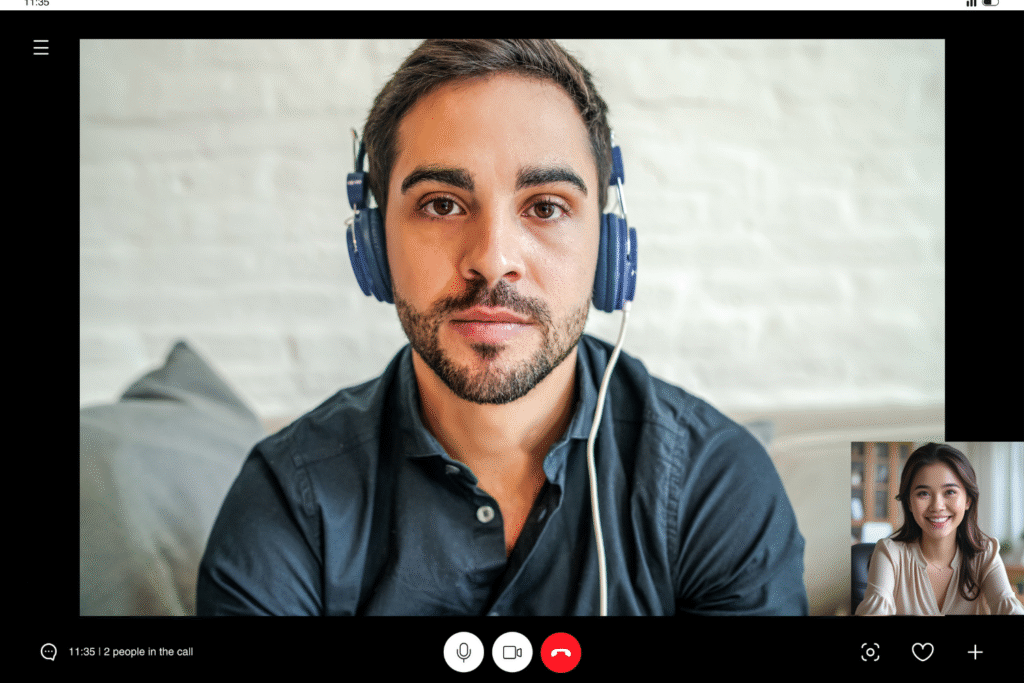
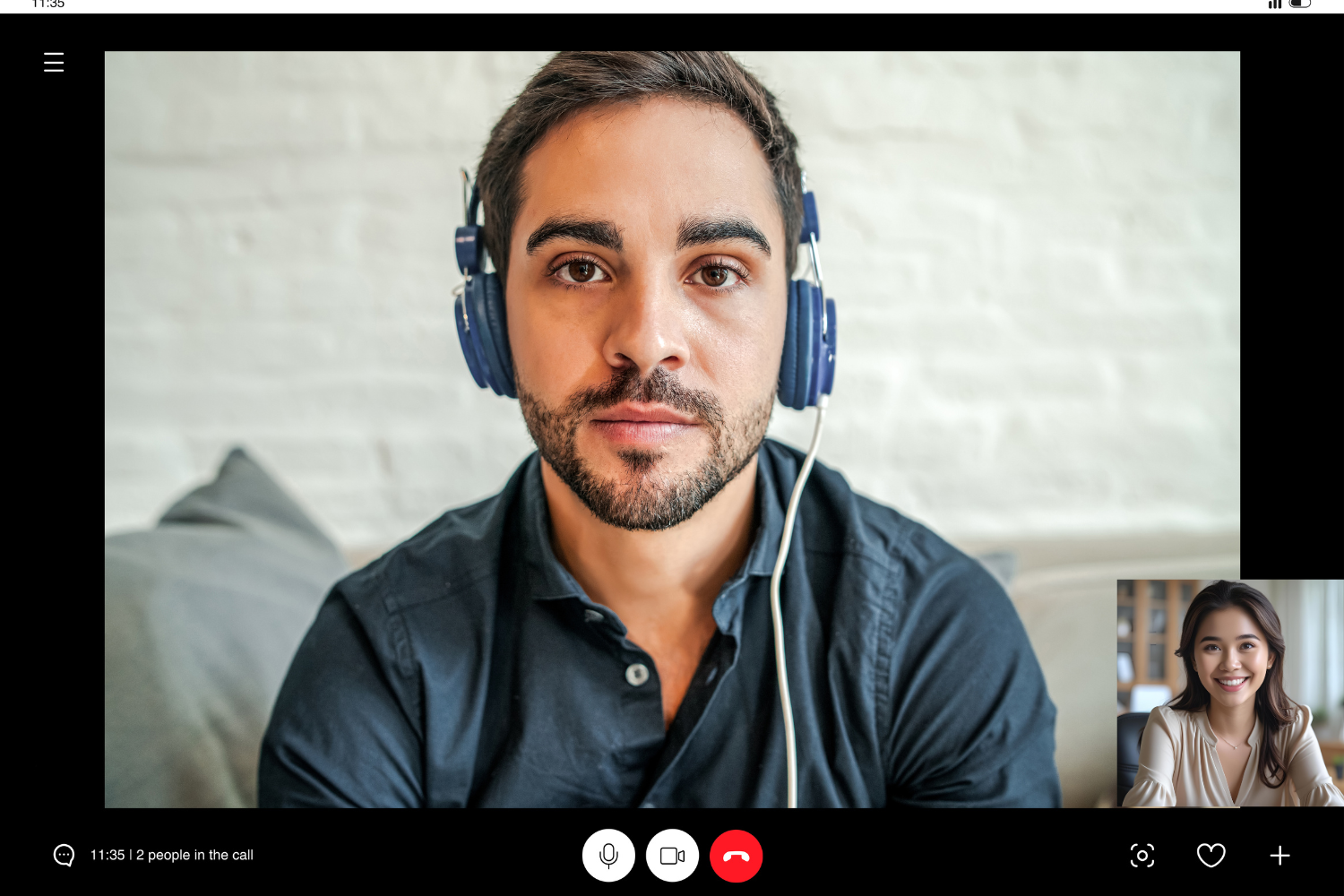
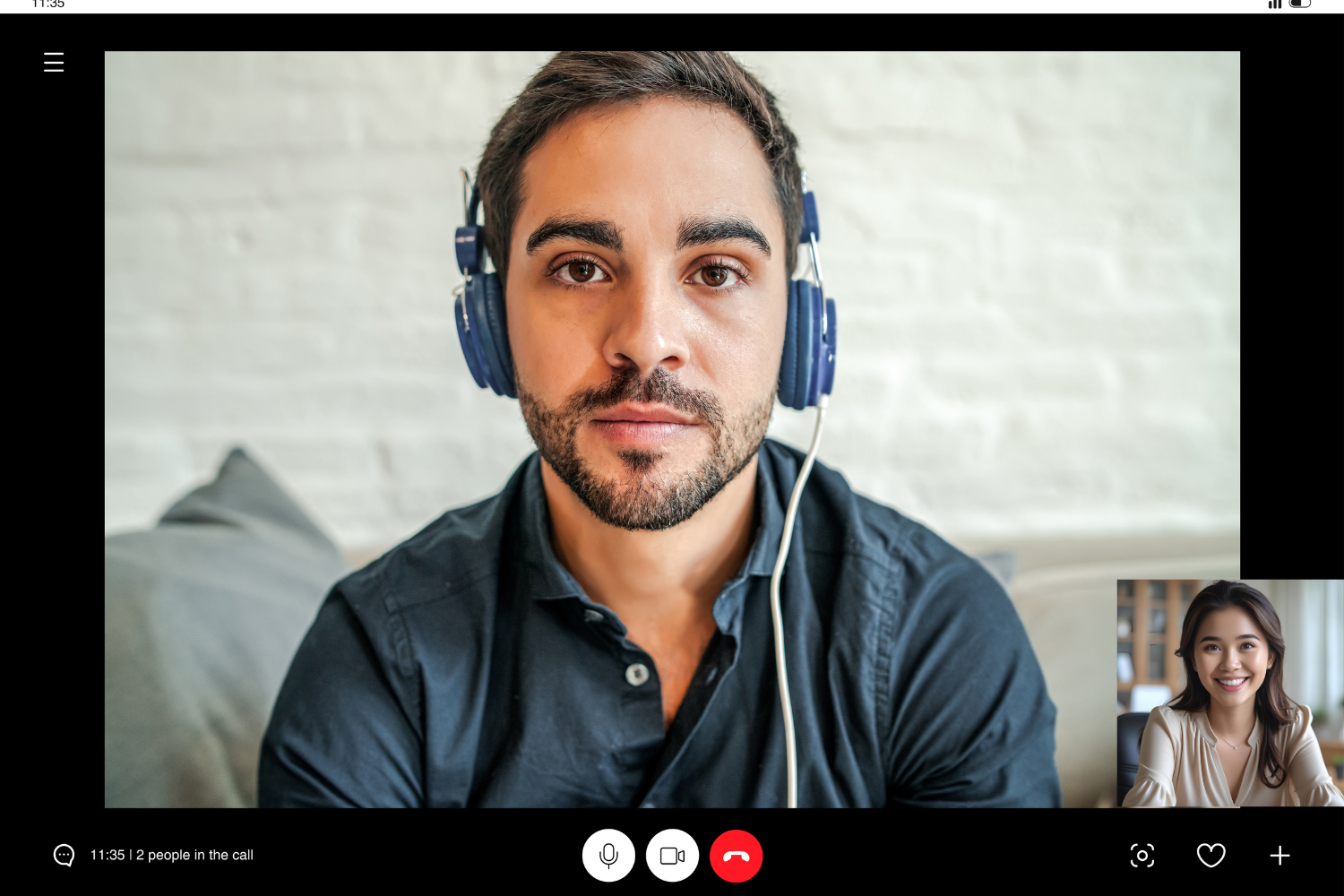
Remote miscommunication is a common issue in distributed teams and can contribute to project failure, especially across time zones and cultures, especially when working across cultures and time zones. In a remote work environment, small issues like vague messages, delayed responses, or unclear project goals can quickly grow into larger problems. This is especially true when managing Filipino remote workers, where cultural differences, indirect communication styles, and nonverbal cues like body language or facial expressions often go unnoticed.
Using multiple communication tools without clear communication guidelines makes it even harder for remote team members to stay on the same page. To improve communication and prevent communication mishaps, leaders need to understand the cultural context, use the right collaboration tools, and establish clear communication protocols that support open communication, written communication, video conferencing, and real-time communication.
Why Remote Miscommunication Happens With Filipino Teams
Remote miscommunication often starts with cultural differences that affect how team members share information. In Filipino culture, harmony and respect are important. This can lead to more indirect communication, where remote employees avoid direct disagreements to maintain good relationships. As a result, messages may sound polite or unclear rather than direct, which can confuse remote colleagues who expect straightforward answers.
Working across time zones adds another layer of complexity. Some Filipino remote team members may work outside your time zone, which can delay feedback depending on the agreed work hours and tools used and can cause misunderstandings. Communication mishaps increase when remote work relies on multiple communication tools but lacks consistent communication methods and shared expectations.
Clear Communication Starts With Understanding Context
To communicate effectively with Filipino remote workers, leaders must understand how culture shapes communication. Knowing what’s being said and what’s not can help the entire team avoid confusion.
What does “yes” really mean in Filipino communication?
A Filipino team member may say “yes” to show politeness or agreement, but it doesn’t always mean full understanding or commitment. In some cases, saying “yes” is a way to avoid conflict or embarrassment.
This can lead to missed deadlines or confusion when the task wasn’t fully clear. Asking open-ended questions and encouraging open dialogue helps clarify what was truly understood.
Reading between the lines: understanding non-verbal signals
Remote communication removes many nonverbal cues, but in Filipino culture, these signals matter. In video calls, facial expressions and tone often say more than words.
A nod or a quiet smile may hide uncertainty or a need for help. Paying attention to small signs and using video conferencing with cameras on can support active listening and improve communication across the team.
The hidden meaning behind silence or hesitation
In a remote setting, silence or slow replies from Filipino remote workers can be misread. Instead of being uninterested, they may be thinking carefully, avoiding conflict, or unsure how to ask a question.
Remote miscommunication happens when silence is taken as agreement. Leaders can reduce this risk through regular check-ins, safe spaces for asking questions, and communication guidelines that encourage open communication.

How to Structure Messages for Better Clarity
Remote work communication improves when messages are structured clearly. This helps remote team members understand project goals, timelines, and tasks without confusion.
Writing clear instructions without confusion
Clear written communication means giving step-by-step directions, listing specific outcomes, and avoiding vague language. In remote teams, where immediate feedback may not be possible, detailed messages reduce errors.
Including deadlines, tools, and file names makes expectations easier to follow. Use bullet points or numbered steps when possible to guide remote colleagues.
Examples of what to say—and what to avoid
Simple changes in wording can prevent confusion and improve communication. Here’s how to phrase messages to remote team members for better understanding:
| What to Avoid | What to Say Instead |
|---|---|
| “Can you handle this soon?” | “Please complete this task by Thursday, 5 PM PH time.” |
| “Is this okay with you?” | “Let me know if you see any challenges with this plan.” |
| “You didn’t follow the instructions.” | “Let’s review the steps together to see where things may have gone off.” |
| “Let’s sync up when you’re free.” | “Are you available at 3 PM PH time on Zoom for 15 minutes?” |
| “It should be obvious what I meant.” | “Just to confirm, here’s a summary of the key points…” |
Should you follow up in writing after video calls?
Yes. Following up in writing helps remote team members remember details and avoid communication mishaps. Video meetings often include fast-paced discussions, and not all points may be clear to every remote employee.
Written summaries with project goals and next steps, as well as document sharing links, support effective communication and reduce the chance of missed information. Using project management tools or instant messaging apps for follow-ups keeps everyone aligned.

Tools That Help Reduce Remote Miscommunication
The right communication tools can make it easier for remote teams to stay organized and aligned. Filipino remote workers often balance multiple communication methods, so the goal is to simplify how the entire team works together.
Best apps for task clarity and follow-through
Project management tools can help reduce confusion and support remote employees in tracking responsibilities and timelines. They keep track of deadlines, assignments, and updates in one place, improving team dynamics and follow-through.
- Asana – Easy to assign tasks, track deadlines, and share updates in real time.
- Trello – Uses visual boards and cards to organize tasks for each team member.
- ClickUp – Combines tasks, docs, and goal tracking into one platform.
- Microsoft Teams – Allows for video meetings, chat, and document sharing in one place.
- Notion – Offers flexible templates for documentation, task lists, and process guides.
How to combine chat, video, and documentation effectively
Using too many communication tools without structure can lead to remote miscommunication. Combine chat for quick updates, video calls for detailed discussions, and documentation tools for storing key information.
For example, use instant messaging for check-ins, schedule regular video meetings for project alignment, and post final notes or detailed messages in a shared doc. This helps remote colleagues communicate effectively while keeping everything organized.
Using visual and voice tools to reinforce your message
Visual and voice-based tools help remote workers understand tone and intent. Because text-based communication lacks nonverbal cues, it’s easier to miss tone or intent unless supported by visuals or voice notes.
Sending short Loom videos or voice notes helps convey tone and provide context, especially for complex tasks. Using visuals in your project goals or training sessions can improve communication and reduce mistakes in a remote setting.
Creating Feedback Loops That Catch Misunderstandings Early
Strong communication skills include listening and checking for clarity. Remote teams need feedback systems that help uncover issues before they grow into missed deadlines or lost progress.
Private check-ins that uncover hidden issues
Regular check-ins give remote team members a chance to speak honestly without pressure. One-on-one video calls or private messages help uncover problems that may not surface in group chats. These quiet conversations support open communication, build trust, and make it easier for remote employees to share concerns.
Feedback templates that preserve dignity and drive clarity
Using a template keeps feedback respectful and direct. It also helps leaders provide feedback that encourages improvement without embarrassment.
- Start with praise – “I really liked how you handled [specific example].”
- State the observation – “I noticed [neutral description of issue].”
- Suggest a change – “One way to improve this might be [suggested action].”
- Invite response – “What are your thoughts on this?”
These templates can support clearer tone and structure in remote communication, especially when used alongside verbal check-ins.
How to confirm understanding without calling people out
To improve communication without making anyone feel uncomfortable, ask open questions that invite clarity. Instead of asking, “Did you get it?” try “What’s your plan for completing this?”
This encourages detailed responses and helps you catch miscommunication early. This method works well with remote team members who may hesitate to admit confusion.
Real Examples of Communication Fixes That Worked
Many remote teams face the same communication challenges. Here are real strategies that helped leaders reduce miscommunication and build stronger connections with Filipino remote workers.
How one manager reduced confusion with process-based questions
Instead of asking yes-or-no questions, a manager began asking process questions like “What steps will you take first?” This helped remote team members explain their understanding without feeling pressured. It also revealed gaps in communication before mistakes happened, improving collaboration tools usage across the team.
The 24-hour no-judgment Q&A policy
One team set up a simple rule: for 24 hours after assigning a task, remote team members could ask questions without judgment. This reduced delayed responses and made it easier for remote workers to speak up. The result was fewer errors and stronger alignment on project goals.
A Slack channel that made “asking for help” feel safe
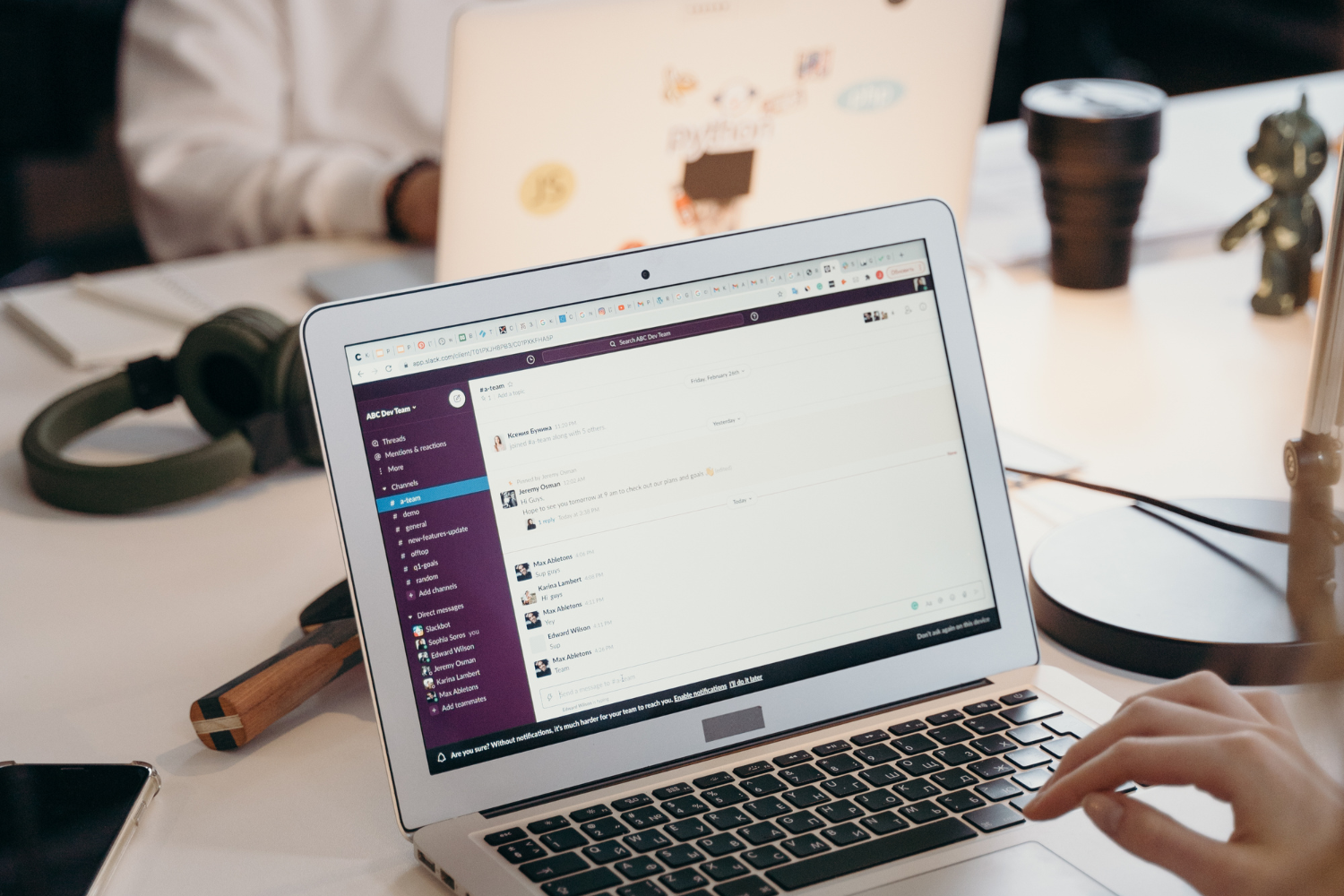
To encourage open dialogue, one company created a private Slack channel just to clarify questions. Remote colleagues used it to double-check tasks or request support without feeling embarrassed. Team members reported that the channel helped improve teamwork and reduce confusion.

Miscommunication Prevention is Culture + Process
Avoiding remote miscommunication often requires more than repeated instructions or relying solely on digital tools. Success comes from knowing how your Filipino remote team communicates, setting up clear communication protocols, and making it safe to ask questions or share feedback.
Combining structured communication with cultural awareness can help remote team members collaborate more clearly and confidently.
Frequently Asked Questions
What are the most common causes of remote miscommunication?
Cultural differences, unclear written communication, delayed responses, and using too many communication tools without structure.
How do you improve communication with Filipino remote workers?
Use structured messages, encourage open communication, and schedule regular check-ins to build clarity and trust.
Why do Filipino team members avoid direct disagreement?
They often value harmony and respect, so they use indirect communication to avoid conflict or embarrassment.
What tools help reduce miscommunication in virtual teams?
Project management tools, video conferencing, instant messaging apps, and shared documentation platforms like Microsoft Teams, Asana, and Notion.
How can managers confirm understanding without micromanaging?
Ask process-based questions like “What’s your next step?” or “How will you approach this task?” instead of just asking if they understood.
References
- Asian Development Bank. (n.d.). Harnessing Digital Transformation for Good. https://www.adb.org/adpr/editions/digital-transformation
- International Labour Organization. (2021). Teleworking arrangements during the COVID-19 crisis and beyond. https://www.ilo.org/publications/teleworking-arrangements-during-covid-19-crisis-and-beyond
- International Labour Organization. (2020). Teleworking during the COVID-19 pandemic and beyond. https://www.ilo.org/sites/default/files/wcmsp5/groups/public/@ed_protect/@protrav/@travail/documents/instructionalmaterial/wcms_751232.pdf
- Leuterio, H. (2022). Telecommuting and job satisfaction: A gaze to the Filipino working life in era of turbulence. ECS Transactions, 107(1), 10673–10692. https://doi.org/10.1149/10701.10673ecst
- MakeYourAsia. (n.d.). A Glimpse of the Filipino Culture. https://makeyourasia.com/philippines/filipino-culture.html