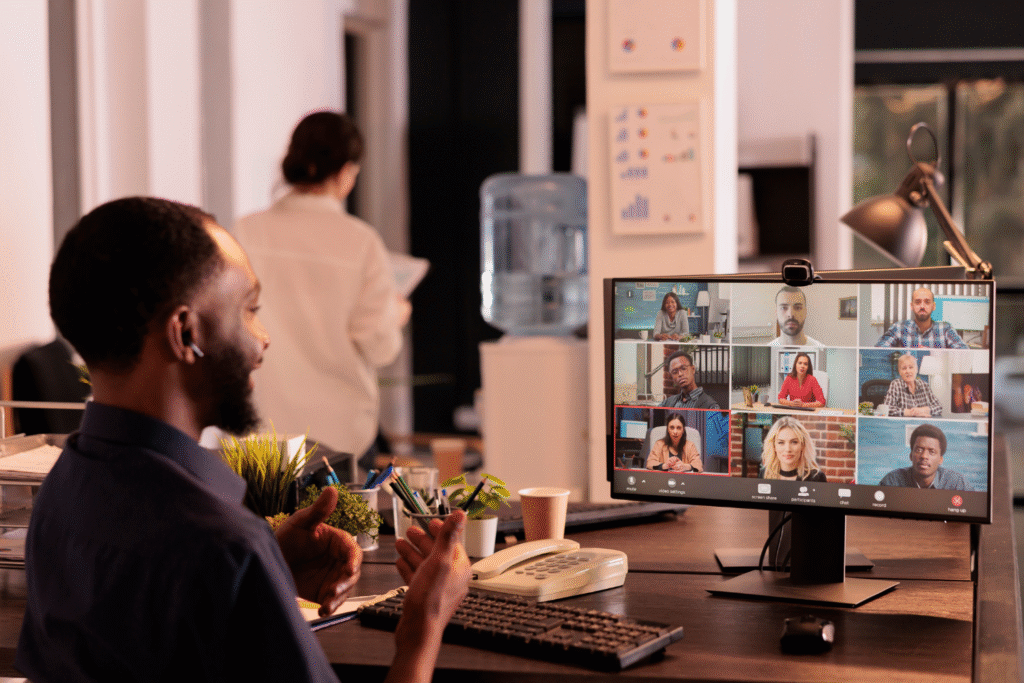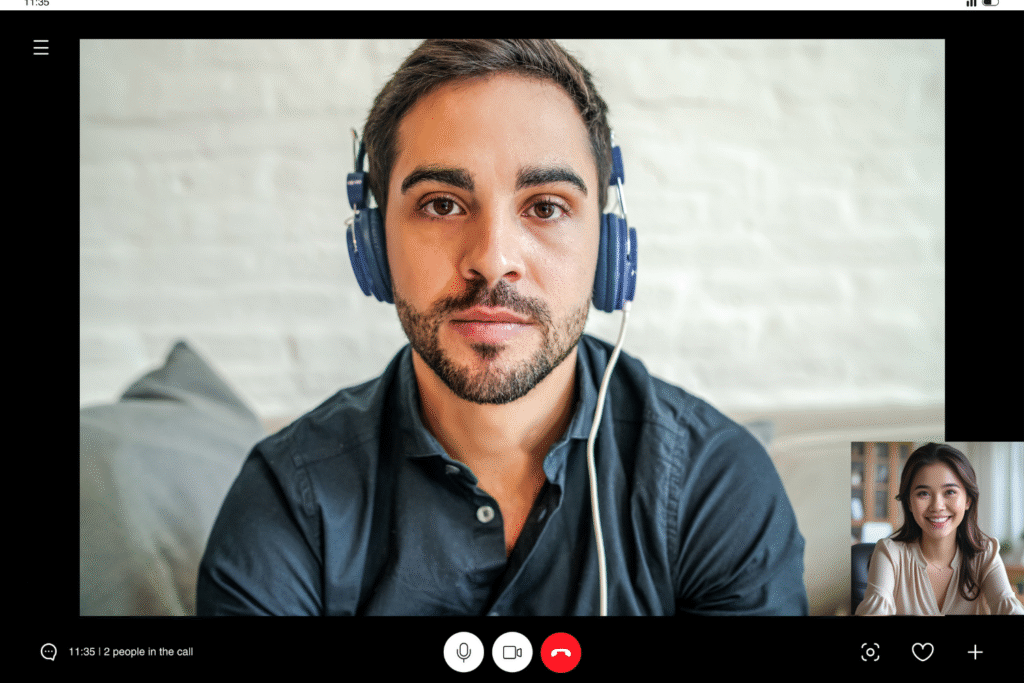

Remote feedback tools for global teams are essential for keeping communication clear, respectful, and effective—especially when time zones, cultural differences, and asynchronous communication make real-time feedback challenging. Without the right tools, feedback can lose tone, arrive late, or confuse remote team members.
This affects employee satisfaction, team spirit, and even the success of project tasks. Tools designed for remote teams help collect feedback, track progress, and support seamless communication. With the right tools in place, global teams can foster collaboration, boost morale, and gather insights that drive employee engagement, even across physical distances.
What to Look for in Remote Feedback Tools
Choosing the right tools for remote team feedback can improve communication, enhance teamwork, and keep employees engaged. Good tools make it easy to gather feedback, no matter where your remote team members are or when they’re working.
Supports asynchronous communication
Remote teams often work across different time zones, which makes real-time collaboration hard. Tools that support asynchronous communication help team members send and receive feedback when it fits their schedule. This gives everyone time to reflect and respond clearly without rushing.
For distributed teams, asynchronous options reduce pressure and allow for better focus during feedback sessions. These features help foster collaboration and open communication across the entire remote workforce.

Maintains tone and intent
Feedback can feel cold or confusing when tone is lost. Tools that include video, emojis, reactions, or clear formatting help preserve the original intent of a message.
This is especially important for global teams, where cultural nuance affects how messages are received. Keeping tone intact ensures feedback sessions stay respectful, which helps boost engagement and maintain team spirit, even in a remote setting.

Allows written and visual formats
Different teams prefer different ways to collect feedback. Some may want written notes, while others benefit from screen recordings or visuals. Tools that support both written and visual collaboration—such as annotated screenshots, video clips, or shared documents—make it easier to give specific, clear input. These features also support knowledge sharing and help identify trends in team communication and performance.
Easy to use and internet-resilient
Remote communication tools must work well in areas with limited internet access. Tools that save work offline, use low bandwidth, or offer mobile apps are more effective for remote workers in different locations.
Simple interfaces, easy login access, and stable performance matter more than advanced features when teams operate under harsh network conditions. Choosing tools with strong offline support helps teams collaborate effectively and stay productive during feedback collection.

Best Remote Feedback Tools for Global Teams
Some feedback tools stand out because they meet the specific needs of remote employees. These tools support asynchronous communication and can help teams collect and organize employee feedback across time zones.
Loom – Record personal, async video feedback
Loom lets team members record video messages for each other. This tool helps remote employees explain feedback clearly and preserve tone, even when working asynchronously.
It supports visual collaboration and enhances communication by showing facial expressions, voice tone, and screen content. Loom is great for remote settings where personal connection and visual clarity are important.
15Five – Weekly check-ins and performance tracking
15Five helps teams run structured feedback surveys and pulse surveys that gather insights into employee engagement. Managers can track progress, identify trends, and collect feedback using targeted surveys. This tool includes basic reporting features that support regular employee check-ins and engagement tracking and supports employee satisfaction by encouraging regular reflection and growth.
Culture Amp – Formal reviews and engagement feedback
Culture Amp is designed for distributed teams that need formal review cycles and employee engagement surveys. It helps companies measure employee engagement, gather feedback, and turn survey responses into reports designed to help guide team decisions. The tool offers multi-language support, data-driven insights, and features to drive employee engagement in a global workforce.
Notion – Shared pages for development and reviews
Notion is a flexible platform that supports project management and team documentation. It lets remote team members build feedback templates, create tasks, and share feedback in one place. Notion also works as a knowledge-sharing hub, making it easier to track development goals, organize tasks, and boost morale through clear planning and transparent feedback.
Slack – For threaded, private feedback across time zones
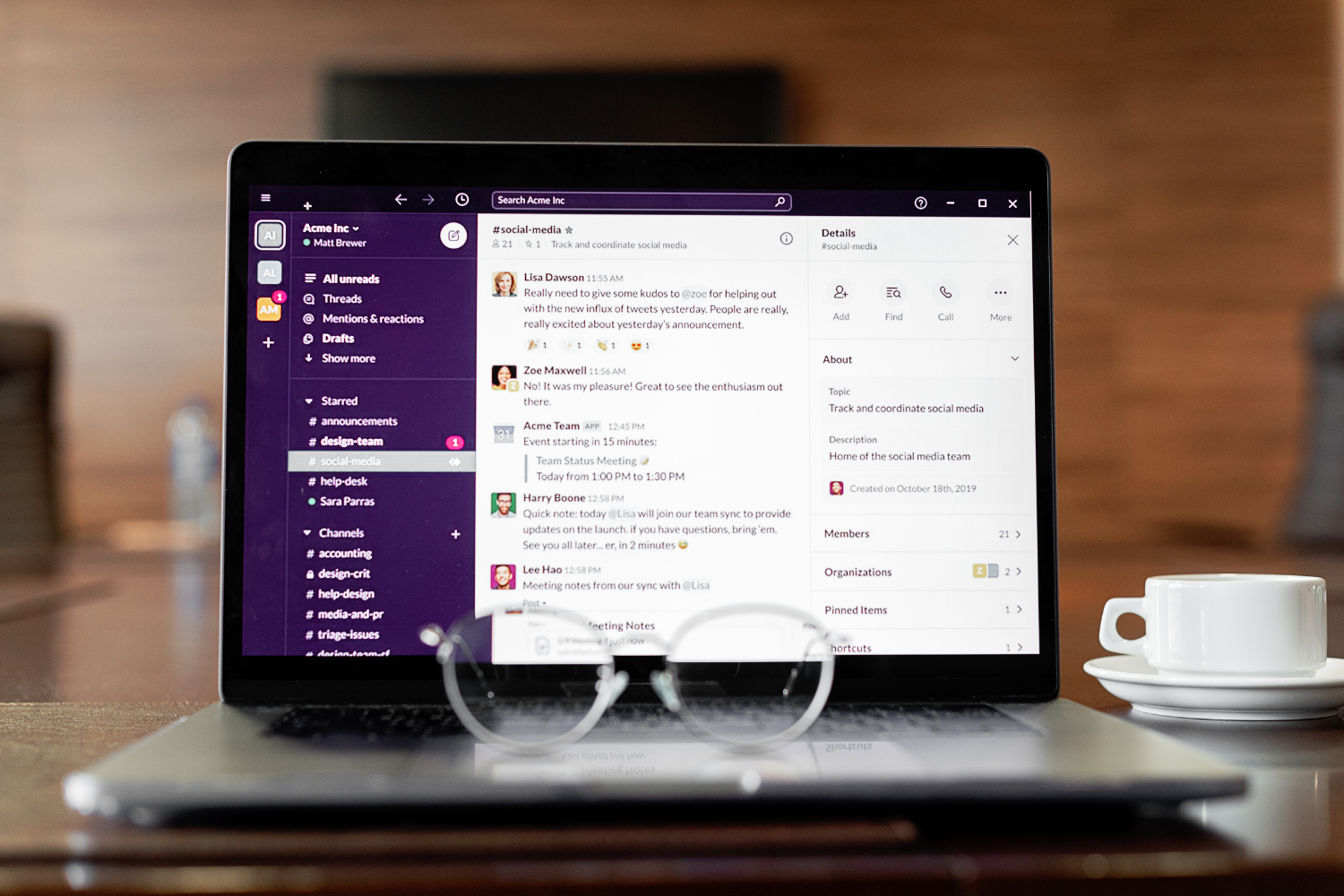
Slack is a popular communication tool for remote teams that allows private, threaded conversations. Managers can use Slack to send feedback asynchronously and track conversations without clutter.
It supports instant messaging, integrates with project management software, and helps foster collaboration even across large global teams. Slack also pairs well with virtual team-building activities to strengthen team connections.
Google Docs – Collaborative comments with timestamped input
Google Docs is a commonly used tool for real-time and asynchronous feedback. Team members can leave timestamped comments, tag others, and track progress through shared documents. It supports seamless communication and visual collaboration and is integrated with Google Workspace and Google Drive, making it ideal for remote work environments requiring flexible, reliable tools.
How to Use These Tools Effectively
Even the best remote feedback tools for global teams need the right habits to be effective. These strategies help remote teams collaborate effectively, gather feedback clearly, and support employee satisfaction.
Pair tools together (e.g., Loom + Docs for written + visual)
Combining tools increases clarity. For example, using Loom for video explanations and Google Docs for written feedback allows remote team members to understand the tone and the details.
This pairing supports both visual collaboration and real-time feedback. When teams use more than one format, it helps track progress, organize tasks, and create a stronger connection across the remote workforce.
Time messages for the recipient’s working hours
Sending feedback during someone’s working hours improves response time and avoids confusion. Tools like Slack and project management software often let users schedule messages to fit the team member’s time zone. This respects remote team members’ schedules and ensures that feedback sessions do not interrupt rest or cause delays in a distributed team.
Use recurring formats (e.g., weekly feedback check-ins)
Creating a regular feedback rhythm, like weekly check-ins through 15Five or shared Notion pages, helps teams gather insights and measure employee engagement over time. These formats build routines that boost engagement and drive employee engagement. A consistent structure also makes feedback sessions more predictable and easier to prepare for in a remote setting.
Keep a clear tone and structure for async messages
Asynchronous communication can lead to misunderstanding if messages are unclear. Feedback should use simple language, a respectful tone, and a clear structure with bullet points or headings.
This helps remote employees follow along, especially during feedback collection. Using project management tools with comment features also ensures that the feedback stays connected to specific project tasks.
Special Considerations for Filipino and Asia-Based Teams
Remote feedback tools for global teams must work well across different regions. For Filipino and Asia-based teams, these tips help support better communication and boost morale across time zones and infrastructure challenges.
Choose low-bandwidth, mobile-compatible tools
Some areas in the Philippines and Southeast Asia have unstable internet. Tools like Toggl and Google Workspace offer mobile apps and limited offline access, which support remote work even during power issues. Choosing tools with these features helps remote teams stay connected and productive despite physical distance or technical problems.
Provide context in feedback to reduce misinterpretation
Remote team communication tools should include space to explain the “why” behind feedback. Filipino remote workers may hesitate to ask follow-up questions due to cultural values around respect and politeness. Giving full context in feedback surveys, comment threads, or visual explanations helps gather feedback that’s accurate and actionable without causing confusion or discomfort.
Respect hiya and give private, dignified comments
In the Philippines, hiya (a sense of saving face) affects how feedback is received. Tools like Slack or 15Five allow managers to share private notes instead of public corrections.
Keeping comments respectful and one-on-one helps drive employee engagement while protecting confidence. Remote team members are more likely to accept and act on feedback when it’s shared with cultural awareness.
Reinforce appreciation alongside suggestions
Balancing improvement tips with praise builds trust and improves employee satisfaction. Feedback tools like employee engagement surveys or performance tracking—like Culture Amp or Notion—help highlight strengths and growth areas. Recognizing effort may help support team morale and motivation in remote settings, especially when working far from a traditional office environment.

Tools That Support Feedback Without Friction
Using the right remote feedback tools for global teams helps overcome time zone challenges and cultural differences without slowing communication. A smart mix of video, written, and collaborative formats improves how teams gather feedback and maintain open communication.
Effective tools can promote clearer communication and reduce friction in remote feedback. With the proper setup, remote teams can boost engagement, enhance communication, and drive performance—even across physical distances.
Frequently Asked Questions
What is the best async feedback tool for remote teams?
15Five is a popular tool for asynchronous communication and structured check-ins.
Can I use Loom for international performance reviews?
Yes, Loom is great for sharing personalized video feedback that keeps the tone clear across borders.
How do I give feedback across time zones without sounding cold?
Use respectful language, add context, and send feedback during the recipient’s working hours.
What tools work best for Filipino remote teams with limited internet?
Toggl, Loom, and Google Docs are reliable low-bandwidth tools with mobile compatibility.
How do I combine tools like Slack and Notion for feedback?
Use Slack for quick, private messages and Notion for organized reviews and shared feedback pages.
References
- Akmad, A.P. (2024). Caught in the Slow Lane: Effects of Unstable Internet Connectivity on Accessing Academic Resources and Collaborative Learning. https://ejournals.ph/article.php?id=24278
- BusinessWorld Online. (2024). 35% of Filipinos engaged at work. https://www.bworldonline.com/the-nation/2024/06/18/602727/35-of-filipinos-engaged-at-work/
- Coursera. (2024). What Is Asynchronous Communication (And Why It’s Essential)? https://www.coursera.org/articles/asynchronous-communication
- Hubstaff. (2024). Introduction to Time Zone Management. https://hubstaff.com/blog/managing-time-zones/
- Manila Recruitment. (2024). Filipino Business Culture: Etiquette and 5 Key Practices. https://manilarecruitment.com/manila-recruitment-articles-advice/filipino-business-culture/
- OpenGov Asia. (2022). Internet Access for Remote Areas in the Philippines. https://opengovasia.com/2022/10/13/internet-access-for-remote-areas-in-the-philippines/