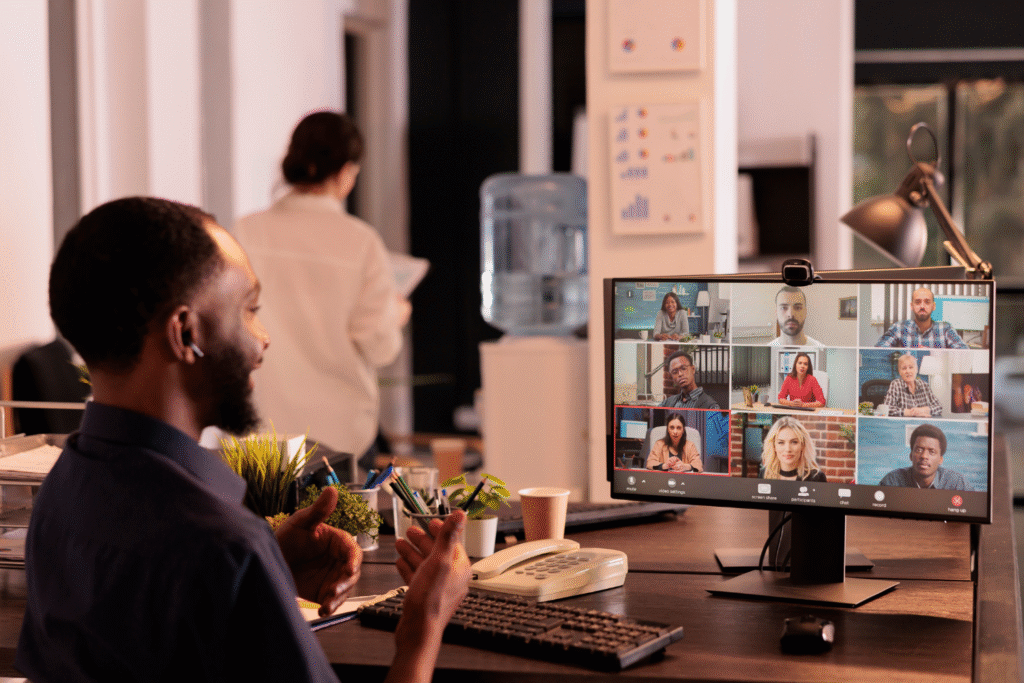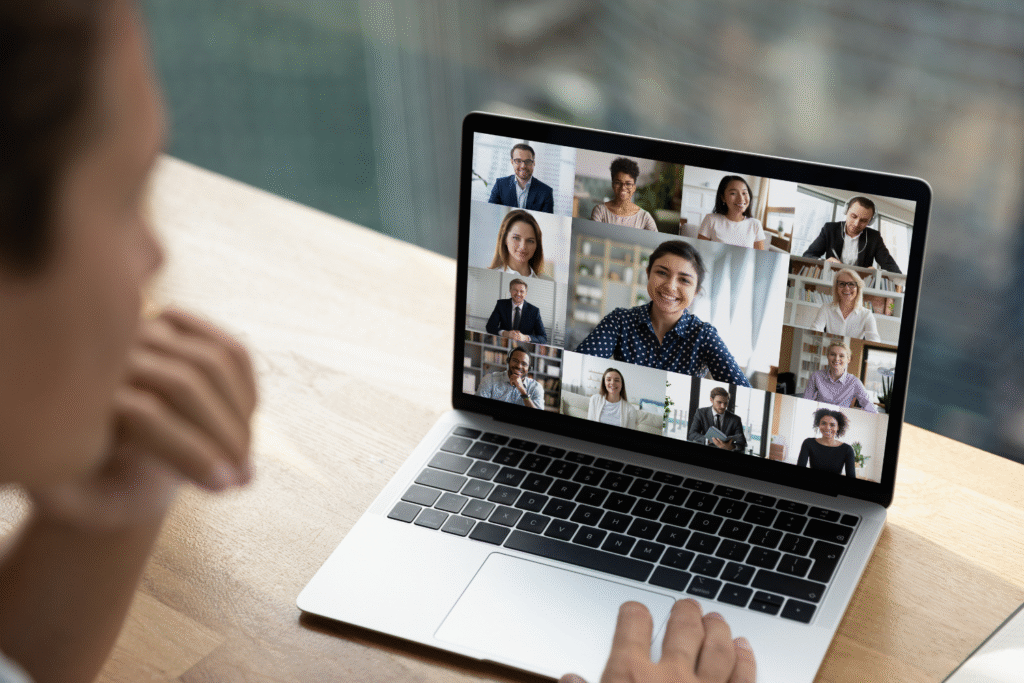

Hiring Filipino remote workers can be smart for small businesses in many Western countries, but building the right Filipino remote work setup is key to remote work success. A reliable infrastructure ensures business continuity, effective communication, and a harmonious work environment. This guide offers practical tips to help Filipino professionals create a productive remote team environment with a good internet connection, secure networks, and project management tools like Google Docs and Microsoft Teams.
From setting up a dedicated workspace to choosing flexible work arrangements that support mental well-being and professional life, this article offers guidance to help you stay focused, manage deadlines, and support your team’s work environment in a remote setting.
Why Infrastructure Matters in Remote Work
A strong infrastructure setup supports consistent performance and keeps remote teams on the same page. The correct remote work setup for Filipino remote workers can prevent delays, missed deadlines, and decreased productivity.
The link between setup and performance
A remote workspace’s physical and digital setup directly affects how well Filipino remote workers can do their jobs. Poor internet, outdated equipment, or unclear workflows can lead to slow task completion and communication gaps.
A strong setup with the right tools—such as project management platforms, secure networks, and real-time collaboration apps—helps teams assign tasks properly, manage data, and keep up with customer service representatives or virtual assistants working across time zones.
How outages and slow speeds impact output
Unstable internet and frequent power interruptions can make it hard for Filipino employees to stay focused and meet deadlines. In areas with weak infrastructure, online jobs suffer from delayed responses, failed video calls, and poor access to cloud storage. These issues affect productivity and mental health, especially when workers struggle to balance personal and professional life without proper support.
Why a standardized setup benefits everyone
A standardized Filipino remote work setup helps ensure each team member has a consistent level of equipment, internet quality, and software to support performance. It allows project management and collaboration tools to function properly, supports data security, and reduces time lost troubleshooting technical problems. With consistency across the team, businesses can provide support more easily, educate employees on tools, and maintain a productive remote team even when working across multiple platforms or regions.

Internet Setup Recommendations for Filipino Remote Workers
Internet reliability is among the most critical parts of any Filipino remote work setup. These recommendations help build a remote setup that supports smooth communication, video calls, and daily tasks across remote teams.
Minimum speed and connection type requirements
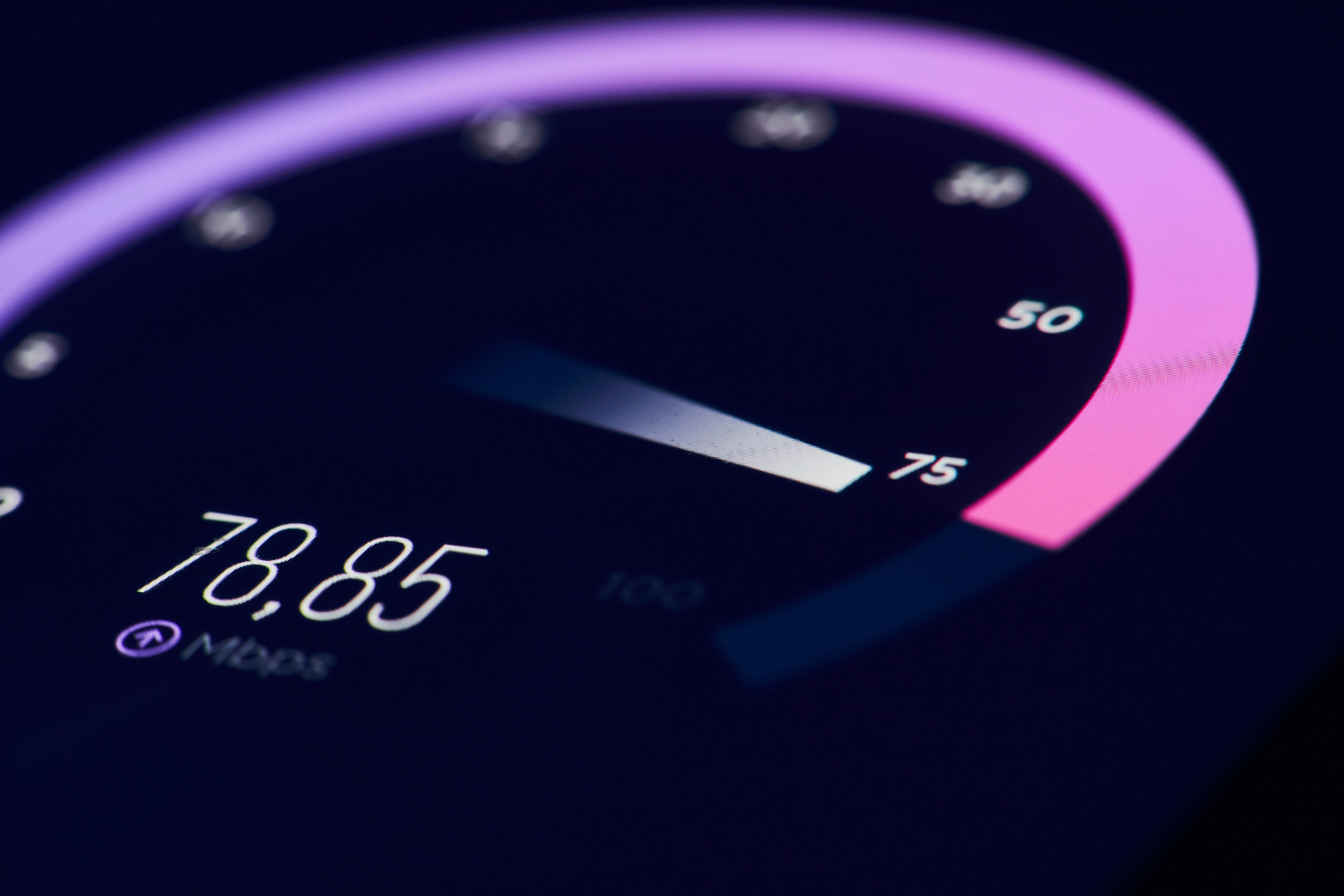
To support daily operations, a good internet connection for Filipino remote workers should offer at least 10 Mbps download and 5 Mbps upload speeds. This level supports real-time collaboration, project management tools, and cloud storage access without delays. Fiber connections are preferred for stability and speed, especially for virtual assistants, social media staff, or administrative support roles that use multiple platforms.

Preferred ISPs by region (fiber vs. DSL)
Fiber internet is available in parts of Metro Manila, Cebu, and Davao through providers like PLDT, Converge, and Globe, but coverage may vary by neighborhood. In rural areas where fiber isn’t available, DSL is still common but may struggle with speed and reliability. For consistent access to online jobs and collaboration tools, choosing the strongest available option in your location is essential.
Mobile data and secondary options as backup
A solid backup plan helps remote workers stay online during outages. Many Filipino remote professionals use prepaid or postpaid mobile data as a secondary option. Services like Globe at Home Prepaid WiFi or Smart Bro work well in areas with good mobile coverage. Using a different network from the primary ISP helps avoid total disconnection when one provider goes down.
Monthly testing to track internet stability
Tracking internet stability ensures the remote work environment stays reliable. Filipino employees can use free tools like Speedtest or Fast.com to record speeds each month. This data helps remote talent, small businesses, and hiring managers detect ongoing problems early and provide support when needed. Regular testing also helps maintain business continuity and supports mental well-being by reducing stress caused by surprise disruptions.
Power Backup Essentials to Avoid Downtime
Frequent power interruptions can disrupt a Filipino remote work setup, especially during typhoon season or in provincial areas. A backup power plan keeps remote teams productive and protects work continuity.
UPSs for essential roles
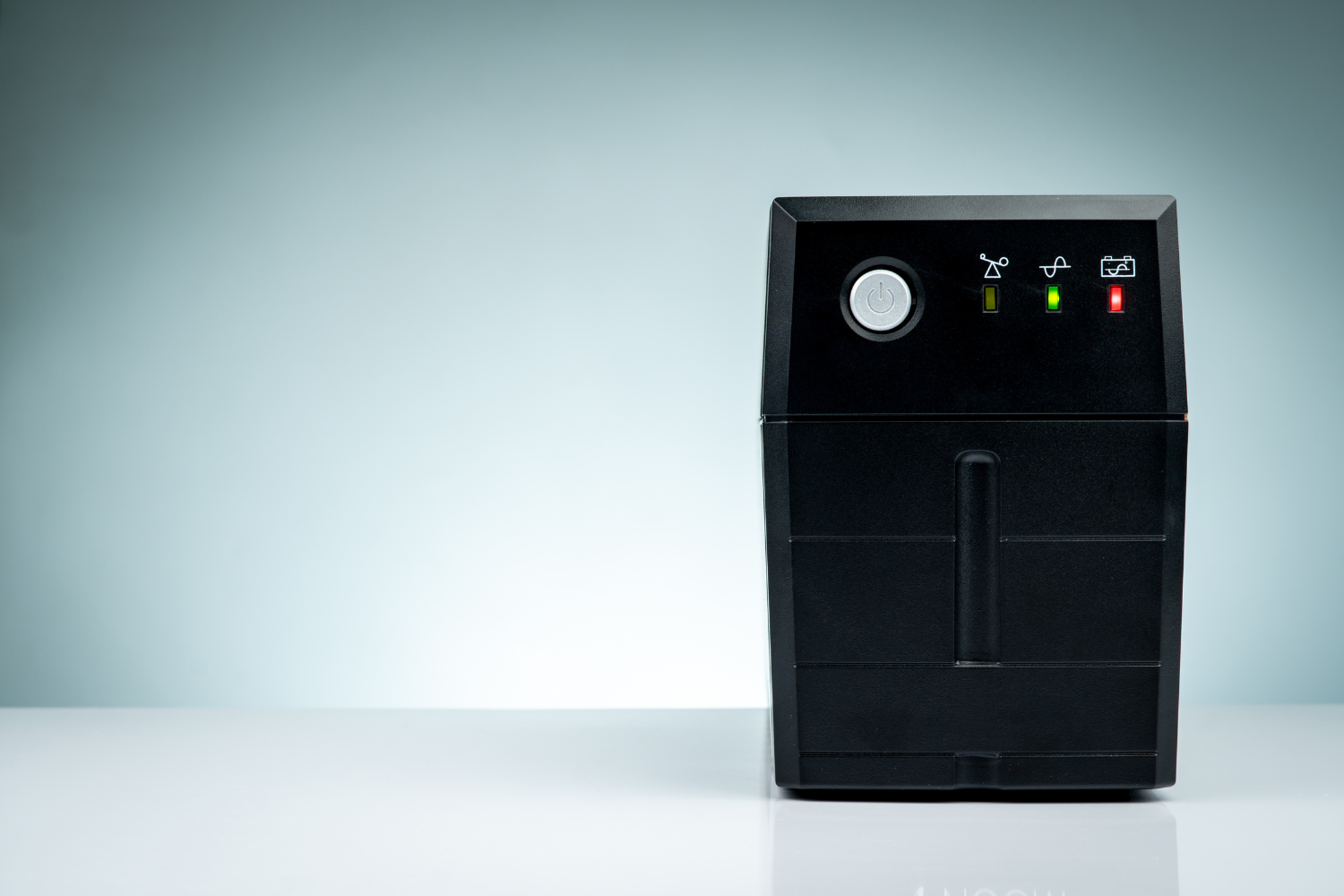
Uninterruptible Power Supplies (UPSs) are critical for Filipino remote workers in essential roles such as customer service representatives, virtual assistants, or administrative support. A UPS gives enough power to safely save work, maintain internet access, and prevent lost progress during short outages. It also protects remote talent working across time zones from sudden disconnections during key tasks or meetings.
Surge protection to safeguard devices
In a remote work environment, power surges can damage computers, routers, and other essential equipment. Surge protectors can help reduce the risk of hardware damage from voltage spikes, especially in areas with unstable electricity. Including surge protection in every Filipino remote work setup supports data security and prevents unnecessary equipment replacement.
Backup generators for high-risk areas
A backup generator offers a more stable solution in regions with frequent brownouts or longer power cuts. Filipino workers in rural or high-risk zones can benefit from portable generators that run their dedicated workspace during extended outages. This setup helps reduce interruptions and supports access to project management tools, cloud storage, and video calls during power outages.
Using shared locations during extended brownouts
When power issues last several hours or days, shared locations like coworking spaces, nearby internet cafes, or relatives’ homes with stable electricity can serve as backup sites. Filipino remote workers should identify these options in advance to avoid downtime. A pre-arranged plan helps remote teams remain on the same page during emergencies, allowing work to continue without harming mental health or productivity.
Required Hardware and Workspace Setup
Creating a stable physical workspace helps Filipino employees stay focused, supports their mental well-being, and improves remote work success. Below are practical tips to guide setup decisions at home.
Laptops vs. desktops: What to choose
Laptops offer portability and work well in a flexible work arrangement, especially for roles that require shifting between rooms or locations during power or internet issues. Desktops are better for long-term use and can handle higher processing tasks like editing marketing materials or managing multiple platforms. Both can support online jobs, but the right choice depends on the remote setting and the required skills.
Laptop vs. Desktop Comparison Table
| Feature | Laptop | Desktop |
|---|---|---|
| Portability | High – easy to move | Low – stays in one location |
| Backup readiness | Built-in battery for outages | Needs UPS or generator |
| Cost | Typically more expensive | More cost-effective for power |
| Upgrade options | Limited | Easy to upgrade parts |
| Space usage | Saves space | Needs desk space |
| Best for | Flexible roles, mobile workers | Design, development, data management |
Headset, webcam, and ergonomic gear checklist
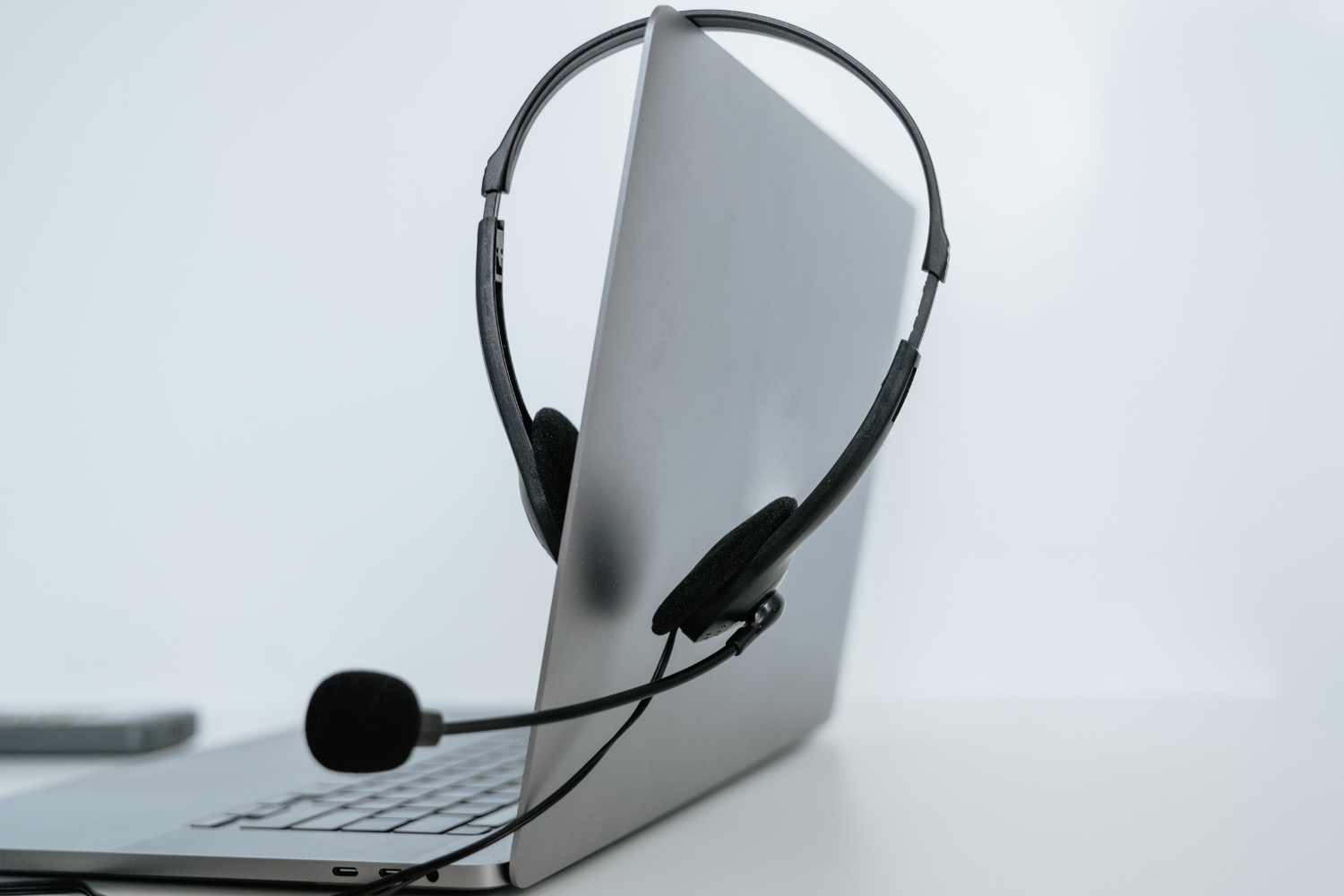
Good gear helps Filipino remote workers communicate clearly and stay comfortable during long hours. Headsets reduce background noise, webcams improve video quality, and ergonomic tools protect physical health in remote work environments.
Checklist for Remote Work Gear
- Noise-canceling headset with built-in microphone
- HD webcam with autofocus
- Ergonomic chair with lumbar support
- Adjustable-height desk or table
- External keyboard and mouse (for laptops)
- Monitor riser for proper screen alignment
- Blue light filter glasses (optional)
Home office setup: Lighting, seating, background
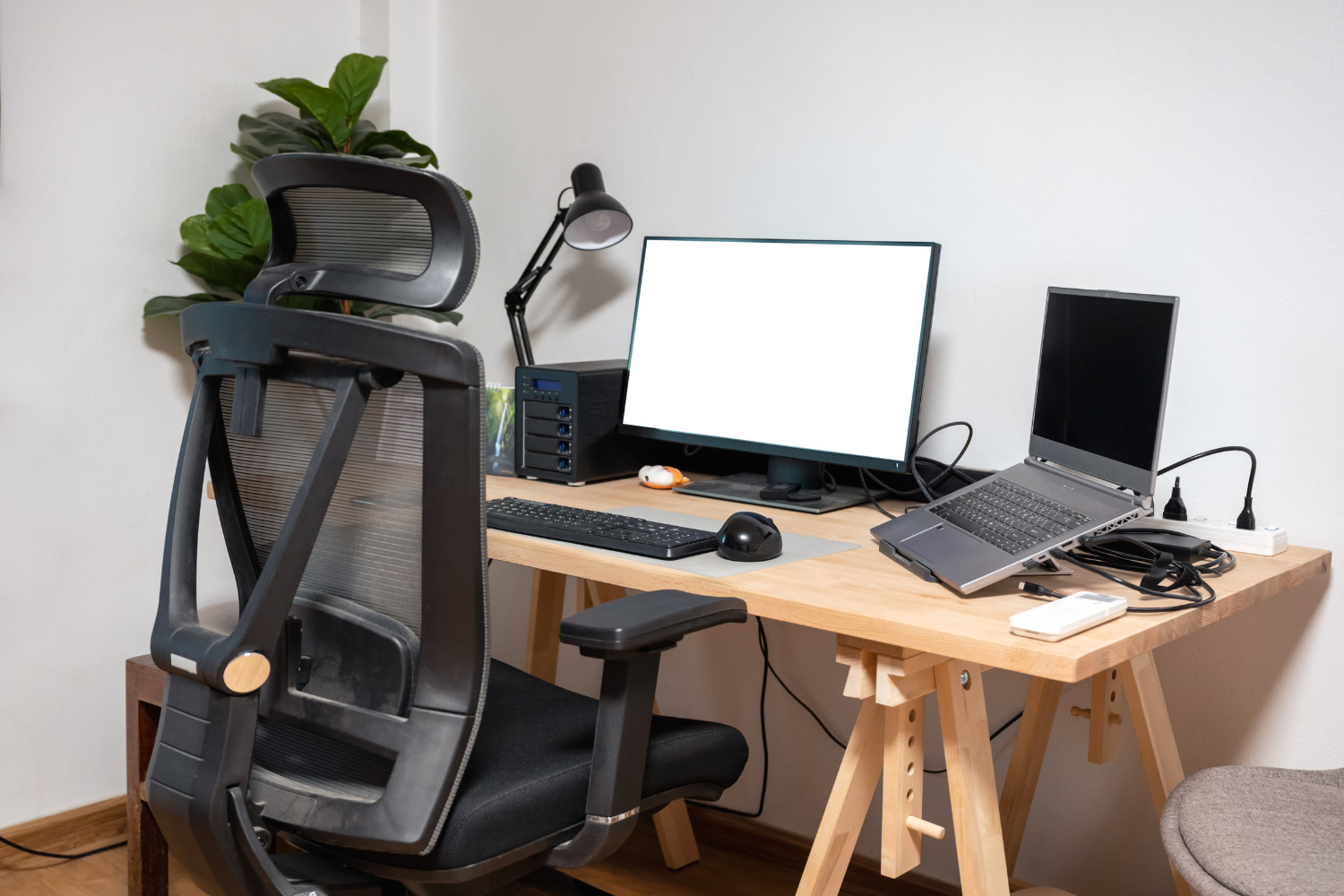
An ideal Filipino remote work setup includes proper lighting, a stable chair, and a clean background for video calls. This improves visual content during meetings, reduces strain, and helps project a professional image during virtual interactions.
Ideal Home Office Setup Checklist
- Natural or white LED lighting facing the front (not from behind)
- Quiet room with a door to block noise
- Neutral or uncluttered background for video calls
- Stable chair and table—not on the bed or couch
- Power outlet near the workspace
- Shelves or containers to organize work items
Encouraging neat, distraction-free environments
A clean workspace supports mental health and helps Filipino workers stay focused throughout the day. Minimizing clutter and removing distractions like TV, noisy pets, or social media apps creates a more professional life in a remote setting. Employers hiring Filipino remote workers can provide feedback during onboarding to guide workspace organization and set expectations for productivity.
Setup Checklist Template You Can Use
Having a checklist helps ensure each Filipino remote work setup meets minimum standards. Use the template below to guide onboarding and ongoing support.
Internet, power, and hardware requirements
Each Filipino employee should meet basic infrastructure standards to prevent issues and support remote work success.
Setup Requirements Checklist
- Minimum 10 Mbps download / 5 Mbps upload speed
- Fiber or DSL primary connection, mobile data backup
- Surge protector and UPS for short outages
- Laptop or desktop with a working webcam and microphone
- Access to cloud storage and project management tools
- Secure networks with antivirus software
- Functional headset and comfortable seating
- Stable power source and access to a shared backup location

Documentation to collect during onboarding
Businesses should collect key setup documentation to ensure each team member meets setup standards. Ask Filipino remote workers to submit screenshots of internet speed tests, photos of their workspace, and a list of backup tools available at home. These records help small businesses identify gaps early and provide support for better remote work environments.
Optional upgrades for client-facing roles
Filipino remote workers in customer-facing roles like virtual assistants or customer service representatives may need additional tools to support real-time collaboration and maintain a professional image.
Recommended Upgrades
- Ring light for better lighting during video calls
- Branded virtual background or green screen
- Higher-quality microphone for clearer audio
- Backup device (tablet or second laptop)
- Business-grade headset with noise isolation
- Wired internet connection for better stability
These upgrades can enhance professionalism during video calls, strengthen client communication, and help remote workers handle tasks smoothly across multiple platforms.
Providing Setup Support as an Employer
Supporting a Filipino remote work setup doesn’t always mean buying every tool. It means knowing when to step in with help and ensuring all remote workers have what they need to perform well from day one.
When to provide allowances or equipment loans
Allowances or equipment loans make sense when hiring Filipino remote workers in regions with setup limitations or for roles that require higher specs. Providing support for a laptop, headset, UPS, or internet upgrade can make a big difference, especially for workers handling social media, data management, or customer service tasks. It also shows commitment to building a productive remote team.
How to handle regional differences in setup needs
Remote work environments vary across the Philippines. Workers in Metro Manila often have better access to fiber internet and stable electricity, while provincial areas may require more backup options like generators or shared workspaces. Employers should adjust support based on each worker’s location, factoring in the risk of outages or limited ISP availability. This keeps everyone on the same page and ensures business continuity.
Policies for upgrades and maintenance
Clear policies on setup upgrades and maintenance help manage expectations. Set rules for who qualifies for equipment support, how often upgrades happen, and who’s responsible for repairs. Include details on internet testing, required tools like project management software, and procedures for reporting hardware issues. Well-defined policies promote accountability while supporting long-term remote work success.

A Strong Setup Builds Long-Term Remote Success
A reliable Filipino remote work setup starts with the right tools, clear standards, and flexible support. Investing in stable internet, dependable hardware, and safe power backups allows Filipino professionals to handle online jobs smoothly and maintain a strong work-life balance.
Using the right combination of collaboration tools, secure networks, and workspace organization can help remote teams stay aligned and productive. Supporting setup needs helps small businesses build a resilient workforce prepared for challenges and ready to deliver across time zones.
Frequently Asked Questions
What’s the ideal internet speed for Filipino remote workers?
At least 10 Mbps download and 5 Mbps upload for smooth access to remote tools and video calls.
Should I provide a laptop or desktop for my remote team?
Choose based on the role—laptops for flexibility, desktops for performance-heavy tasks.
What kind of backup systems are needed in the Philippines?
Secondary internet, UPS, surge protectors, and optional access to shared workspaces or generators.
How do I check if a team member’s setup is reliable?
Ask for speed test results, workspace photos, and a checklist of available backup tools.
What’s the best way to support new hires during setup?
Provide a setup checklist, offer tech allowances if needed, and do regular check-ins to guide setup quality.
References
- Cybercrime Investigation and Coordinating Center (CICC). (n.d.). CICC. https://cicc.gov.ph/
- Department of Information and Communications Technology (DICT). (2025). Internet Speed of the Philippines ao March 2025. https://ictstatistics.dict.gov.ph/wp-content/uploads/2025/05/Internet-Speed-of-the-Philippines-ao-March-2025.pdf
- Department of Information and Communications Technology (DICT). (2017). National Broadband Plan. https://cms-cdn.e.gov.ph/DICT/pdf/2017.08.09-National-Broadband-Plan.pdf
- Philippine Department of Energy. (2020). 2022 Power Situation Report. https://legacy.doe.gov.ph/power-sector-situation
- World Health Organization (WHO). (2023). DOH, WHO launch Philippine Council for Mental Health Strategic Framework 2024-2028. https://www.who.int/philippines/news/detail/12-10-2023-doh–who-launch-philippine-council-for-mental-health-strategic-framework-2024-2028