

Tracking work hours in the Philippines can be tricky without the right time-tracking tools. When managing remote employees, many teams face internet stability issues, power interruptions, and trust concerns. Choosing the best time-tracking tools Philippines teams can rely on is essential for accurate time tracking, managing employee hours, and monitoring project progress.
A strong time-tracking solution helps track billable hours, improve attendance tracking, and boost productivity—without hurting morale. With the right software, many remote teams can better manage time, stay on task, and gather helpful insights to enhance productivity across multiple projects.
What Makes a Time Tracking Tool Ideal for Filipino Teams?
Not every time tracking tool works well in the Philippine setting. Teams need solutions that handle local challenges while supporting productivity and employee trust.
Works Well With Inconsistent Internet
Internet reliability varies across regions in the Philippines. The best time-tracking software should work even during temporary disconnections. Tools with offline logging features can help reduce the risk of data loss during internet or power interruptions.
Once reconnected, these tools sync updates automatically, allowing accurate time tracking and consistent reporting capabilities. This ensures teams can continue tracking time and work hours without disruption, even in areas with frequent service interruptions.
Respects Privacy and Autonomy
Remote employees in the Philippines value professionalism and trust. A powerful tool should avoid micromanagement and support productivity analysis without constant surveillance.
Tools focusing on task management and completed work rather than minute-by-minute screenshots help maintain morale. Employee time-tracking software that respects autonomy builds stronger relationships, which is especially important for managing remote teams across time zones.
Offers Mobile Access and Offline Logging
Mobile apps and offline features are essential for workers in areas with unstable electricity or who move between locations. The right time-tracking software should include a mobile app and allow employee hours to be logged even without an internet connection.
Once the connection is restored, the data should sync automatically. This helps teams track time usage, maintain attendance tracking, and stay on top of project progress without delay.
Supports Role-Based Customization
Filipino teams often work across various roles, from administrative tasks to web development. A solution that allows role-based customization—like different tracking tools or settings per user—is a valuable asset.
Many well-rated time-tracking tools offer advanced features such as personalized dashboards, adjustable permissions, and flexible views for managers. This helps with project management, workforce management, and monitoring features tailored to specific tasks and team needs.

Best Time Tracking Tools for Remote Teams in the Philippines
Here are some of the best tools Philippines-based teams can use. Each tool works well in local conditions and supports remote work needs.
Time Doctor
Time Doctor is one of the most popular time-tracking tools used by Philippine teams, especially in remote and BPO settings. Even with unstable internet, it offers accurate time tracking and is widely trusted in local outsourcing hubs. It also includes helpful monitoring features without being too invasive.
- Offline Capabilities: Continues tracking during internet loss and syncs automatically when reconnected.
- Screenshots: Provides optional screen capture that is adjustable based on team comfort levels.
- Trusted Locally: Frequently mentioned by teams in Philippine BPOs and remote work setups for its balanced approach to performance tracking.
Toggl
Toggl is a lightweight, user-friendly time-tracking option that suits teams needing simple, low-bandwidth solutions. It doesn’t require high bandwidth and is ideal for remote workers with limited technical setups.
- Lightweight: Runs smoothly without slowing down devices.
- User-Friendly: Clean, intuitive interface that simplifies time usage tracking.
- Low Bandwidth: Works well even with slower internet connections, making it suitable for provincial areas.
ClickUp + Native Timer
ClickUp combines project management platforms with built-in time-tracking tools, making it ideal for managing multiple projects. It’s useful for teams that want advanced project tracking and reporting in one workspace. Managers can view task progress, assign deadlines, and track employee hours without switching between apps.
Hubstaff
Hubstaff is an advanced time-tracking software that uses GPS tracking and activity monitoring. It’s best used when managing field teams or monitoring specific roles that require real-time oversight. While powerful, it should be implemented with care to avoid hurting trust among remote employees.
Clockify
Clockify is a widely used free time-tracking tool that offers robust features for teams of all sizes. It’s easy to set up, scalable, and provides detailed reports. It supports remote teams and startups managing time effectively without spending on expensive platforms.
- Free and Easy to Deploy: Great for small teams, starting with time tracking.
- Good Reporting Tools: Offers detailed productivity reports, billable hours tracking, and time spent on specific tasks.
- Supports Workflow Efficiency: Can support resource tracking and provide visibility into project status across teams.

Comparing Tools by Key Features for the Philippines
Filipino remote teams need time-tracking tools that match local infrastructure realities. Below are key features that make a big difference in performance and usability.
Offline Functionality and Data Syncing
Advanced time-tracking software must keep working even when the internet drops. Tools with offline functionality allow employees to continue tracking work hours or specific tasks without interruption. To maintain accuracy, the data should automatically sync once the connection is restored. This ensures teams stay productive during outages and don’t lose valuable time usage data, which is essential for billing, time management, and project progress tracking.

Internet/Power Outage Resilience
In some parts of the Philippines, teams may experience power or internet instability, particularly during typhoon season or in rural areas. The best tools for the region offer features like local data storage, mobile app access, and cloud backups.
These help prevent lost records and support attendance tracking and employee hours even during unexpected disruptions. Choosing a time-tracking solution that accounts for these issues improves workflow efficiency and ensures consistent reporting capabilities.
Real-Time vs. Manual Tracking Options
Different roles and work environments need different tracking approaches. Some employees benefit from automatic time tracking, while others prefer to log hours manually. Giving teams both options can help balance flexibility with accuracy.
| Tracking Type | Best For | Benefits |
|---|---|---|
| Real-Time Tracking | Teams with fixed schedules or clear tasks | Accurate time usage, helpful for tracking billable hours |
| Manual Tracking | Creative or flexible work (design, writing) | Greater autonomy, better for specific task breakdowns |
Team Dashboard and Manager Access
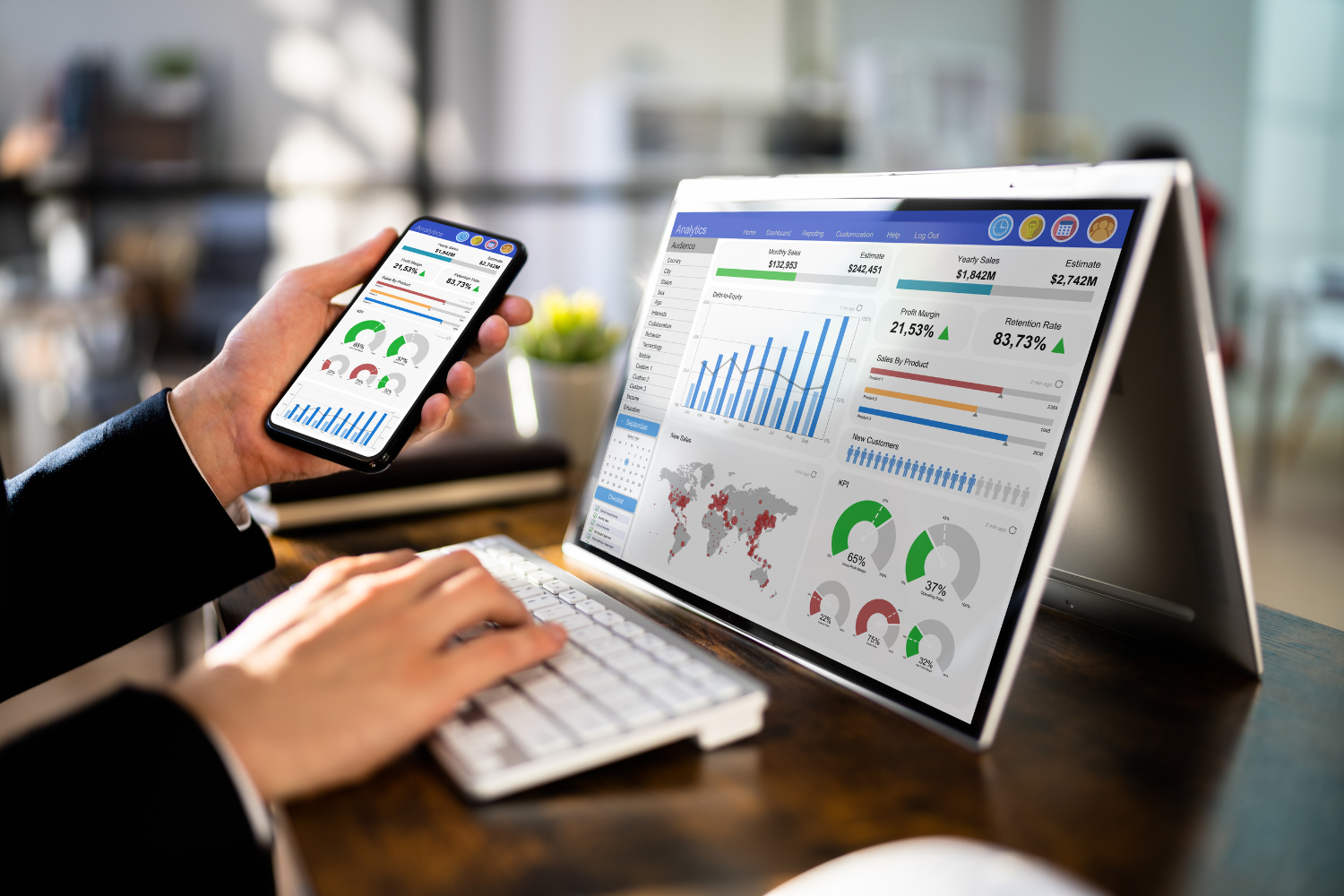
Project management platforms with dashboards let managers see how employees spend time across multiple projects. A good dashboard offers real-time views of employee productivity, resource allocation, and project status.
It also simplifies task management and highlights productivity trends through detailed productivity reports. Team dashboards are valuable assets that improve transparency and help leaders make informed decisions using advanced features.
How to Introduce Time Tracking Tools Without Causing Resistance
Adding new tracking tools can feel invasive if not done carefully. These strategies help remote teams accept the change and use the software effectively.
Be Transparent About Goals and Expectations
Let your team know why you’re using time-tracking tools. Explain that the goal is to improve time management, monitor project progress, and gain valuable insights into workload—not to watch every move. Clear communication helps set expectations around tracking work hours and using detailed reports for team support.

Emphasize Tracking for Support—Not Surveillance
Teams are more likely to accept tracking tools when they see them as helpful. Frame time tracking software as a way to uncover pain points, spot blocked tasks, and ensure fair workload distribution. When employees view these tools as support systems for remote teams, trust builds, and resistance drops.
Include Tool Training in Onboarding
Employee time-tracking software should be part of every onboarding plan. Teaching new hires how to use tracking tools, dashboards, and reporting features from day one ensures smooth adoption. Walk them through basic features like time spent logging, mobile app use, and how to manage attendance tracking. This reduces confusion and boosts productivity early on.
Highlight How It Helps Remote Coordination
Remote workers often struggle to stay in sync across time zones. Time-tracking tools with seamless integration into project management tools make it easier to track project progress and coordinate tasks. Adopting becomes easier when teams see that the tool simplifies communication, aligns schedules, and streamlines administrative tasks.

Regional Considerations When Choosing Time Tracking Tools
Each area in the Philippines comes with different technical conditions. Choose a time-tracking solution that matches your team’s location and infrastructure needs.
Metro Manila – Most Tools Work Without Issues
Teams in Metro Manila benefit from better internet, stable power, and access to the best software options. Tools with advanced project tracking, GPS tracking, and detailed reports usually perform well. You can prioritize tools with advanced software and seamless integration with other management tools.
Provincial Cities – Prefer Tools With Offline Modes
In cities like Cebu and Davao, internet and power are mostly stable but can be inconsistent during storms. Choose tracking tools that support offline time logging and have a free version or mobile app. Tools with basic features and good sync capabilities help keep employee attendance and work hours accurate.
Rural Areas – Choose Apps With Mobile Logging and Low Data Use
Rural teams need tracking tools that work with low bandwidth and run on smartphones. Mobile access, a simple user interface, and light data use are key. Apps that allow tracking time and employee productivity without draining power or needing constant Wi-Fi are best for these settings.
Always Have a Backup Plan During Typhoon Season
During typhoon season, teams face power cuts and infrastructure issues. Always set up a backup plan, like manual time logs or check-ins through messaging apps. A strong time-tracking solution includes options for logging billable hours and employee hours even when systems go down. Having backup protocols ensures teams can continue managing time effectively despite interruptions.

Choose Tools That Balance Trust and Accountability
For Filipino remote teams, the best time-tracking tools combine clear accountability with respect for autonomy. A well-chosen solution can reduce stress, support productivity trends, and help teams manage human and material resources more effectively.
Matching your tool to the team’s role and regional infrastructure can help support smoother workflows, accurate employee time tracking, and better project outcomes. With the right fit, tracking time becomes a valuable asset—not a burden—for everyone involved.
Frequently Asked Questions
What is the most popular time tracker in the Philippines?
Time Doctor is one of the most widely used time-tracking tools in Philippine remote teams.
Can Filipino remote workers use time-tracking tools offline?
Yes, many tools like Toggl and Time Doctor offer offline logging with auto-sync features.
How do I choose a time tracker for poor internet areas?
Look for lightweight time-tracking software with offline modes and low data use.
Are screenshots necessary for tracking time in the Philippines?
Screenshots aren’t always necessary; choose tools that allow flexible settings based on trust.
How do I introduce time-tracking tools without making the team uncomfortable?
Be transparent, explain the purpose, and provide training during onboarding to build trust.
References
- Commission on Audit. (2022). National Telecommunications Commission Consolidated Annual Audit Report 2021. https://www.coa.gov.ph/wpfd_file/national-telecommunications-commission-consolidated-annual-audit-report-2021/
- Department of Information and Communications Technology (DICT). (2022). E-Commerce Philippines 2022 Roadmap. https://dtiwebfiles.s3-ap-southeast-1.amazonaws.com/HRAS/Procurement/2021/August%202021/39506%20ECO%20Sample.pdf
- Department of Information and Communications Technology (DICT). (2017). National Broadband Plan. https://dict.gov.ph/national-broadband-plan
- Labor Law PH Library. (2022). 2022 Handbook on Workers’ Statutory Monetary Benefits. https://library.laborlaw.ph/wp-content/uploads/2022/07/2022.Handbook..Workers.Benefits.pdf
- PAGASA. (n.d.). Annual Reports. https://www.pagasa.dost.gov.ph/annual-reports