
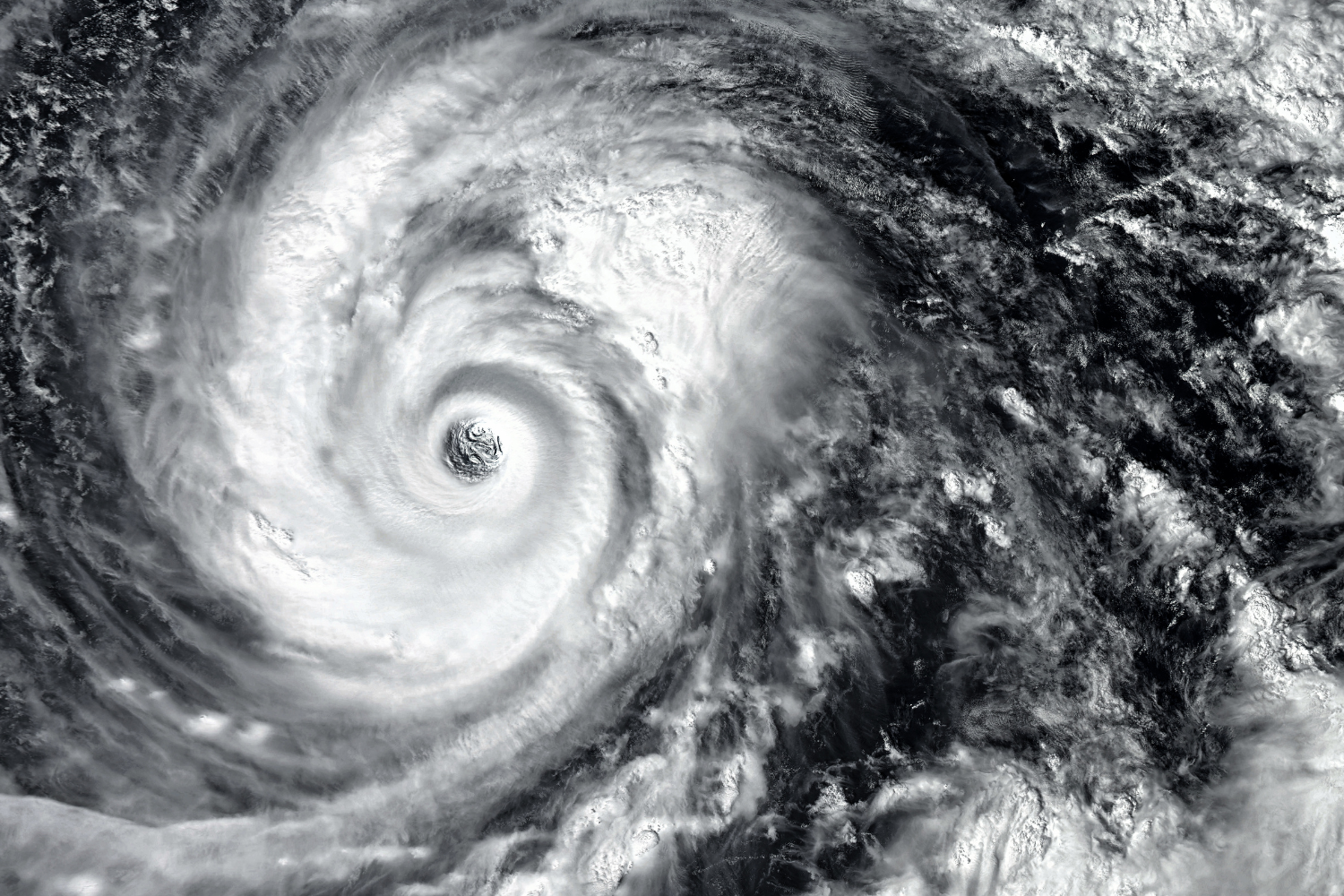
Typhoons and power outages are common challenges for remote workers in the Philippines, especially in the BPO industry, where uptime is critical. Without a clear Philippines remote work contingency plan, businesses risk missed deadlines, stalled services, and lost business opportunities. This guide shows employers how to maintain productivity, ensure alignment with key performance indicators, and support Filipino workers during natural disasters.
We’ll cover everything from assigning specific tasks and managing remote staff to meeting regulatory compliance and ensuring professional standards across working hours—even during potential delays.
Why Remote Work in the Philippines Needs Contingency Planning
Remote work in the Philippines supports global companies through services like lead generation, appointment setting, claims processing, and digital marketing. But natural disasters can disrupt these services overnight, making contingency planning a basic requirement—not a luxury.
Infrastructure vulnerabilities in key regions
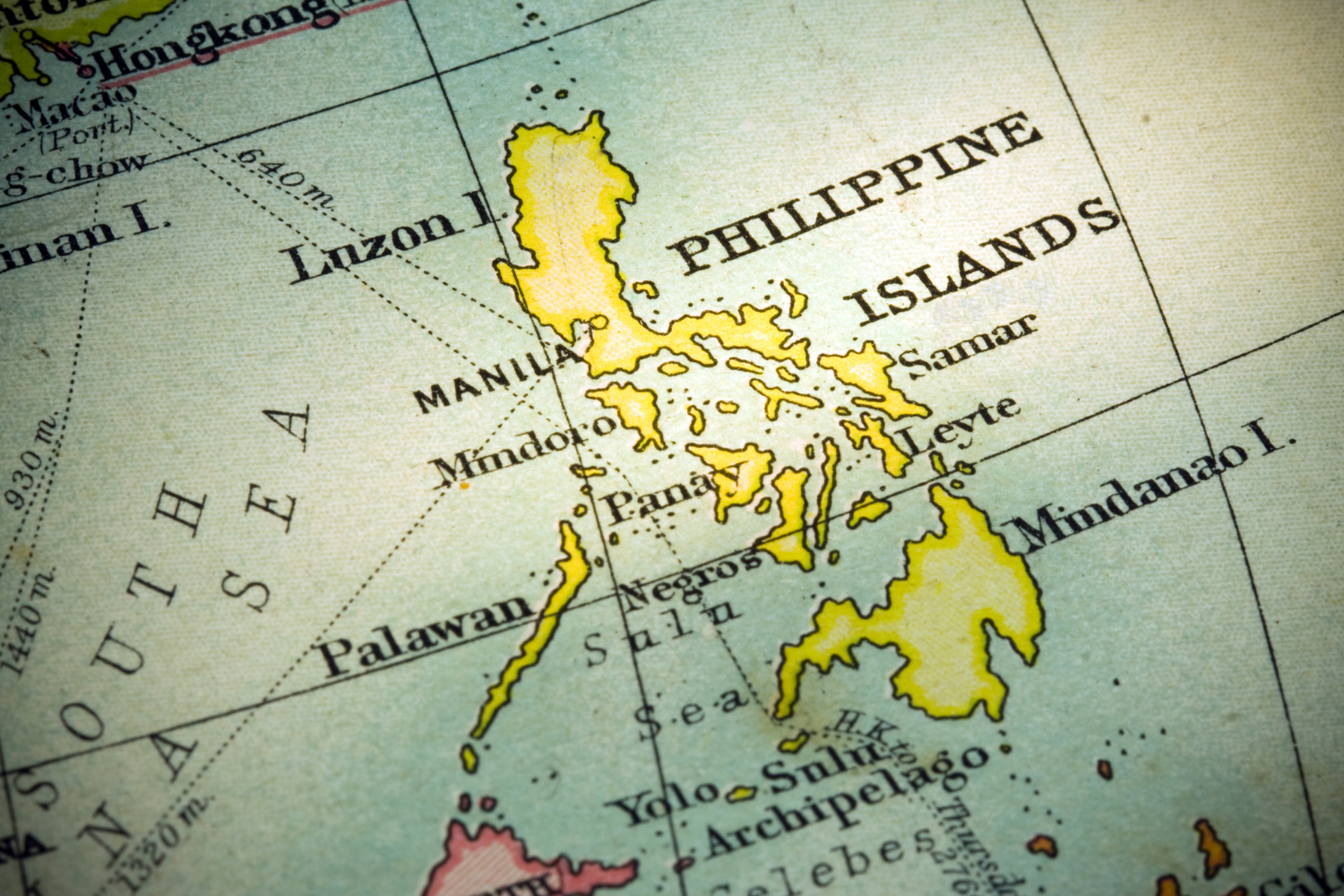
The Philippines faces uneven infrastructure across its regions, affecting remote employees and virtual assistant roles alike. Metro Manila and Cebu may offer more stable internet and electricity, but even these hubs experience occasional brownouts. In Davao and provincial areas, outages can last longer and occur more frequently, especially during typhoon season.
Without backup solutions, businesses risk losing communication with their teams and halting assigned tasks. For employers who rely on consistent phone calls, content management, and social media platforms, these lapses threaten the ability to deliver excellent customer service to international clients.

Frequency of storms and planned brownouts
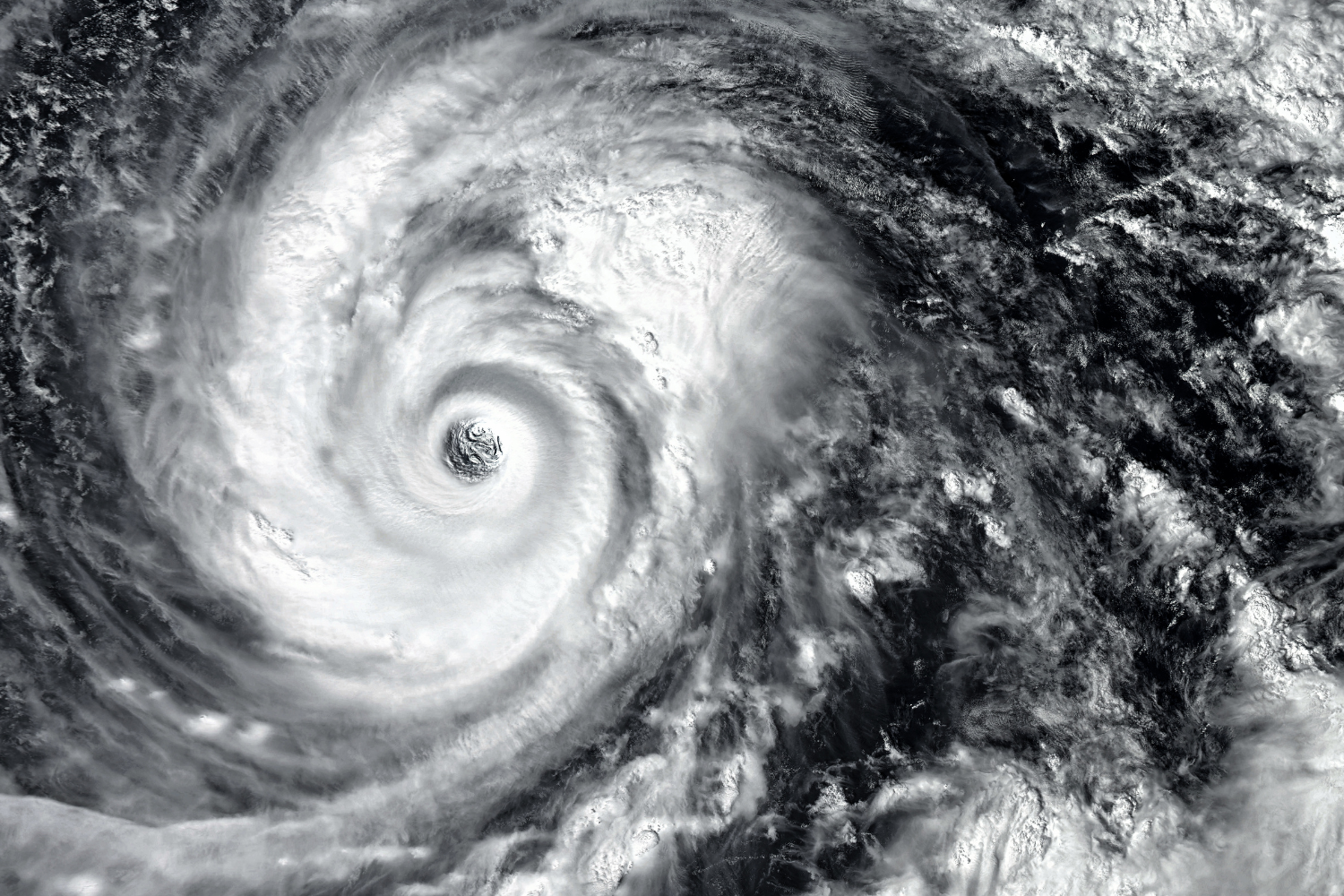
The Philippines typically experiences 18 to 20 tropical cyclones annually, with about half making landfall, many of which bring strong winds and heavy rains that disrupt electricity and internet lines. Local power providers may schedule maintenance-related power interruptions to protect the grid in advance.
While announced, these interruptions still cut off access to remote staff unless proper systems are in place. For companies managing growing teams and pursuing market expansion, even short disruptions can hurt daily productivity, limit the ability to meet deadlines and create delays in job offer finalizations or job description approvals.
How outages affect business continuity and trust
Downtime impacts more than just output—it affects client trust, professional standards, and your team’s morale. Delays in processing transactions, updating social media, or completing specific tasks can lead to contract losses or lower satisfaction scores. Employers without clear continuity plans during natural disasters may risk delays that could impact client relationships or generate new business development leads.
Remote workers who can’t connect consistently risk being overlooked for senior positions despite having the right talent and soft skills. Strong contingency plans show a company’s commitment to employment stability, regulatory compliance, and best human resources practices.
How to Prepare for Typhoons and Blackouts Before They Happen
Planning must start well before the skies darken to keep your remote employees productive during a storm. This section outlines how to create a reliable foundation for business continuity in the Philippines.
Identify at-risk roles and regions
Some roles are more vulnerable to outages than others. For example, virtual assistants or support staff in provinces may face more frequent power cuts than team members based in Metro Manila. Jobs that require constant communication, like lead generation or phone-based customer service, should be flagged as high-risk during extreme weather. Human resources should map employee locations against known high-risk zones and assess backup access for each area to ensure full control over who can continue working.

Ask for location-based risk during onboarding
When hiring remote staff, it’s important to ask about location-based infrastructure concerns during the onboarding process. Understanding which areas experience frequent brownouts or limited connectivity helps you assign roles accordingly.
Ask potential candidates if they have a mobile backup, coworking access, or past experience managing outages. Include these key terms in your job description and onboarding checklists to screen for candidates who can ensure alignment with your contingency goals.
Pre-assign backup duties for critical functions
Assigning backup responsibilities in advance helps your team avoid panic when disruptions strike. Identify key responsibilities for each role, then select team members in other regions who can step in if needed. For example, suppose your remote worker handling digital marketing is offline due to a typhoon.
In that case, another team member with similar skills should be ready to post on social media platforms or manage content tasks. This structure keeps the business running without gaps in communication, task completion, or professional service delivery.
Internet and Power Backup Options That Work in the Philippines
Power and internet issues in the Philippines are common, but they don’t have to stop operations. With the right tools and systems, your remote employees can stay online and continue to meet business needs.
UPS units and portable power banks
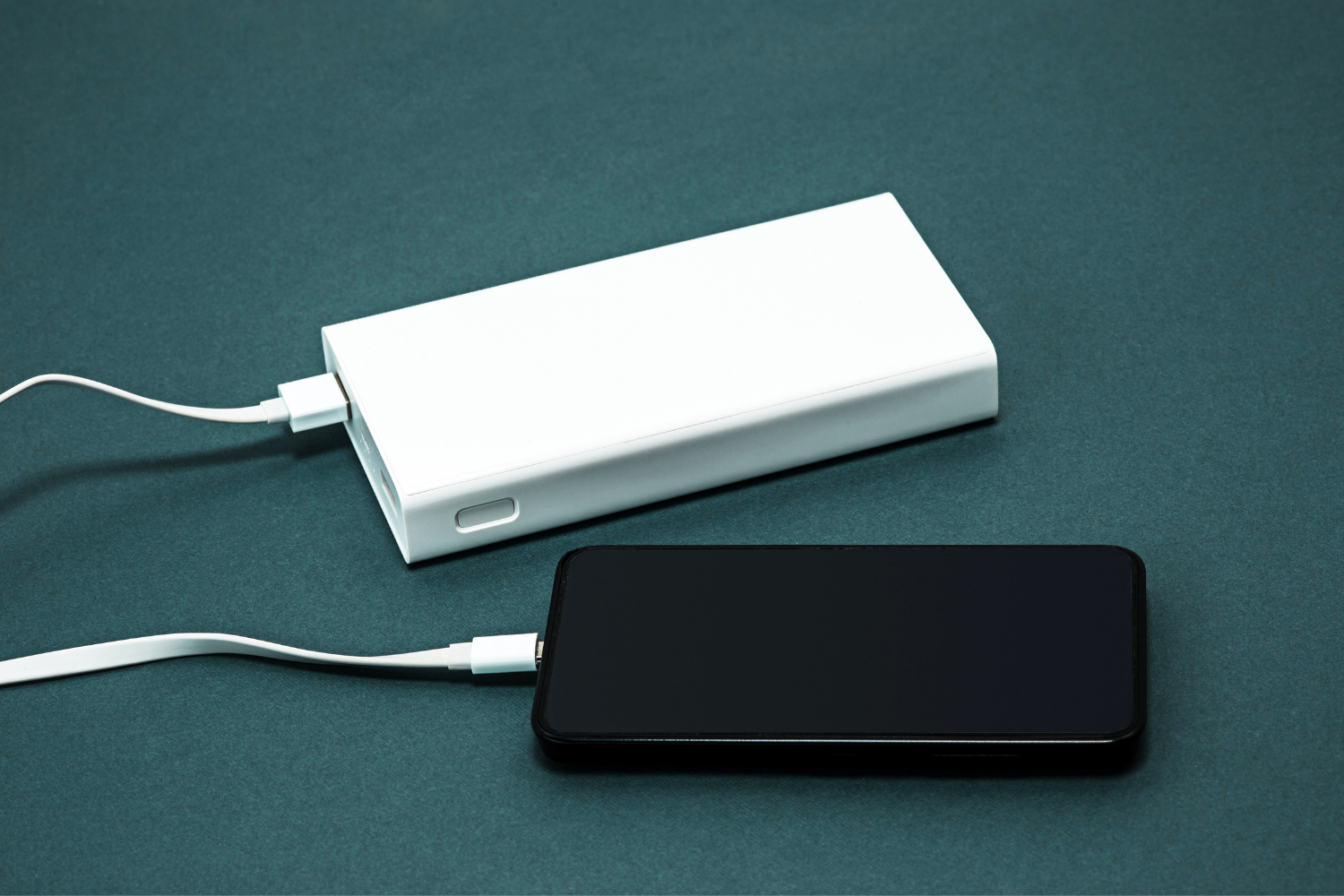
Uninterruptible Power Supply (UPS) units and portable power banks are essential for preventing lost work during outages. These devices give remote staff enough time to save files, complete time-sensitive tasks, or switch to another location.
They’re especially helpful for roles that rely on tools like Google Drive, Microsoft Office Suite, or real-time content management platforms. For teams with specific requirements like video calls or claims processing, having power for even one extra hour can make the difference between staying active and missing a deadline.
Mobile data as a backup internet solution
Many Filipino remote workers rely on mobile data as a secondary internet option when Wi-Fi is unavailable. A strong prepaid mobile plan can support urgent file uploads, quick responses on social media, and regular check-ins via messaging apps.
Having this backup for job roles in digital marketing, business development, and customer support means remote staff can continue assigned tasks even when the primary internet fails. This supports consistent service delivery during connectivity issues.
Secondary ISPs and low-data tools (e.g., Notion, Viber)
Secondary internet providers offer an added layer of security when power lines or fiber connections go down. Encourage remote employees to subscribe to a different ISP than their main one. In addition, using low-data tools helps conserve bandwidth and avoid interruptions.
Recommended tools:
- Notion – Useful for documentation and job tracking
- Viber – Popular in the Philippines for real-time updates
- Slack Lite – Efficient for urgent updates and soft-skill communication
- Google Docs Offline Mode – Allows content management even during outages
- Loom (low-bandwidth settings) – Records processes for later reference
Shared coworking spaces and family backup locations
Many Filipino remote workers have access to nearby coworking spaces or family homes with better infrastructure. Employers can include this as part of their contingency plans by asking for backup addresses or approving reimbursements for emergency workspace fees.
Having a secondary location in place helps maintain momentum, even if a typhoon knocks out power for days. It’s beneficial for roles tied to international clients, such as virtual assistants, digital marketers, or employees involved in lead generation and appointment setting.
Communication Protocols During a Crisis
During typhoons and blackouts, staying in touch with your remote employees becomes a top priority. Clear communication protocols help your team remain organized and reduce confusion when disruptions occur.
Define primary, secondary, and emergency contact methods
Every remote worker should know how and where to report issues during a crisis. Set a primary channel like Slack or Viber for daily updates. Use email as the secondary method for detailed instructions or follow-ups.
For emergency contact, ask team members to provide a phone number or alternate device reachable by SMS. Human resources can store this information for easy access. This three-tier system helps teams handle outages while ensuring compliance with company communication policies.
How to check in when internet is out
Internet loss is common during storms, especially in the BPO industry. Remote staff should know how to check in using mobile data or SMS when Wi-Fi is down. Provide backup contact numbers and encourage workers to use messaging apps that function well on limited connections, like Viber or WhatsApp. Asking team members to send a short status update ensures the employer has full control over task visibility and staffing, even when tools like Google Drive or Microsoft Office Suite are inaccessible.
Sample outage reporting format (chat/email)
A simple outage reporting format makes communication faster during a blackout. Teams can copy and paste this into a chat or email to report issues clearly and consistently.
Sample Format:
- Subject/Message Title: [Outage] – [Employee Name] – [Date]
- Current Issue: (e.g., Power outage in Cavite; No internet connection)
- Time Issue Started: (e.g., 10:30 AM PHT)
- Actions Taken: (e.g., Switched to mobile data, contacted ISP)
- Estimated Time to Resume: (if known)
- Backup Plan Activated: (e.g., Working from family home)
- Impact on Assigned Tasks: (e.g., Delay in processing transactions)
Using a consistent format helps reduce miscommunication and supports better job tracking during critical hours.
When to reassign tasks or pause responsibilities
If a remote employee cannot resume work within 1–2 hours, it’s time to consider reassigning their key responsibilities. Delays in services like content management, lead generation, or digital marketing can affect client deliverables and key performance indicators.
Employers must review workload and decide which tasks are urgent and which can be paused. For teams offering services to international clients, reassignments must happen quickly to avoid service gaps or missed working hours. Document all changes in your project tool and ensure the team understands who owns which specific tasks.
Example Disruption Workflow for Filipino Teams
A clear response plan helps teams move quickly from outage to recovery. This structure keeps operations stable and reduces business risks.
Step-by-step plan from outage to recovery
Start with a response that supports remote workers and ends with full recovery steps. This keeps your Philippines remote work contingency plan actionable and easy to follow.
Disruption Workflow:
- Team member experiences outages.
- Sends status update using mobile data or SMS.
- Switches to backup tools (power bank, mobile hotspot, coworking space).
- Notifies human resources and logs the event.
- Supervisor reviews task impact and reassigns if needed.
- Once restored, the team member updates the status and resumes tasks.
- Manager records the incident for SOP updates.
This routine works well across services like virtual assistant support, social media platforms, and digital marketing tasks.
When to notify clients or stakeholders
Clients should be informed only when the disruption will delay deliverables or affect service quality. Use email or your client communication platform to send a brief update, focusing on the impact and the actions being taken.
Keep it professional, and link your message to your proven track record and business development focus. Timely updates help preserve trust and show your commitment to professional standards and remote work transparency.
How to document the incident and update SOPs
After the event, documentation helps you identify gaps and improve future contingency plans. Human resources or operations teams should lead the process.
Documentation Checklist:
- Record team member’s name and role
- Note the date, time, and cause of disruption
- Describe affected services (e.g., claims processing, social media updates)
- List tools used for backup
- Track delays or task reassignments
- Add recommended improvements
- Update SOPs with new contingency steps
Saving these records in Google Drive or your content management system keeps your business compliant and ready for future natural disasters.

Supporting Your Team During Natural Disasters
Support builds loyalty, especially when your team is working under pressure. Offering help during crises shows your company values its Filipino workers.
Offer allowance for contingency tools (data, power)
Small monthly allowances for mobile data, backup internet, or power banks help remote staff stay online. These costs are low compared to the loss of productivity during outages.
Providing these tools helps strengthen remote work continuity in the BPO industry and stable remote work environments. Your job offer can also highlight these allowances to attract the right talent.
Be flexible with deadlines and recovery windows
Natural disasters affect more than just electricity. Transportation, family safety, and access to coworking spaces may be disrupted. Adjusting deadlines and offering recovery windows shows respect for your remote staff’s situation. This approach keeps your team highly motivated and helps you meet long-term key performance indicators, even if there are short-term delays in specific tasks.
Recognize team efforts during difficult circumstances
Acknowledging your team’s extra effort during storms builds morale and strengthens relationships. Simple gestures like public praise in team chats or bonus points toward development goals go a long way.
Filipino workers value being part of a supportive, understanding team—especially when balancing remote work with family needs and unpredictable events. Recognizing effort during difficult times can support team morale and long-term engagement, strengthen your employer brand, and reinforce a culture of resilience.

Resilience Starts with the Right Contingency Plan
Typhoons and blackouts are part of doing business in the Philippines, but they don’t have to slow down your remote staff. Building a smart Philippines remote work contingency plan helps teams manage assigned tasks, support international clients, and keep services running. With tools like mobile data, backup power, and flexible communication systems, businesses can maintain operations while protecting employee safety.
Offering the right resources, updating job descriptions with clear expectations, and ensuring compliance with Philippine labor law all support your goals—from business development to market expansion—with a highly motivated workforce ready to meet professional standards.
Frequently Asked Questions
How often do blackouts happen in the Philippines?
Blackouts vary by region but are common during typhoon season and may include planned brownouts.
What’s the best backup internet setup for remote Filipino workers?
A fiber connection with mobile data and a secondary ISP offer strong coverage and reliability.
How can I prepare my team for typhoon season?
Create a clear outage response plan, offer backup allowances, and set up alternate contact methods.
What tools work during low-connectivity periods?
Tools like Viber, Notion, and Google Docs offline mode work well with limited internet.
Should I adjust KPIs during outages or storms?
Yes, KPIs should be adjusted to account for downtime and recovery windows without affecting long-term goals.
References
- Department of Energy (DOE). (2022). 2022 Energy Supply and Demand Situationer. https://legacy.doe.gov.ph/energy-statistics/2022-energy-supply-and-demand-situationer
- Department of Information and Communications Technology (DICT). (2019). 2019 National ICT Household Survey Results. https://ictstatistics.dict.gov.ph/2019-national-ict-household-survey-results/
- National Privacy Commission (NPC). (2022). NPC issues ‘work from home’ guidelines to safeguard personal data. https://privacy.gov.ph/npc-issues-work-from-home-guidelines-to-safeguard-personal-data/
- PAGASA. (n.d.). Tropical Cyclone Information. https://www.pagasa.dost.gov.ph/climate/tropical-cyclone-information
- PreventionWeb. (2020). Philippines: National disaster risk reduction and management plan 2020-2030. https://www.preventionweb.net/publication/philippines-national-disaster-risk-reduction-and-management-plan-2020-2030