
Tracking offshore work shouldn’t feel like micromanaging. The right offshore productivity tools make it easy to monitor progress, assign tasks, and support team productivity across time zones. With features like real-time communication, file sharing, automatic time tracking, and advanced reporting, these tools streamline workflows and keep offshore teams on track.
From managing tasks and project progress to fostering team relationships and ensuring data security, this guide covers the best tools for managing offshore teams—without hovering. You’ll discover communication and collaboration tools, project management platforms, and time-tracking systems that enable teams to stay connected, manage multiple projects, and boost productivity in offshore operations.
Why Micromanagement Backfires in Offshore Teams
Managing offshore teams with too much control can damage performance more than help it. Micromanagement limits growth, weakens trust, and makes team members less motivated to take initiative.
How it reduces trust and initiative
When offshore team members feel watched too closely, they may stop making decisions on their own. Constant check-ins and tight control send the message that leadership doesn’t trust them. This lowers confidence and discourages problem-solving.
Over time, it also weakens team productivity because team members hesitate instead of acting quickly. Using the right tools for tracking work hours, task assignments, and performance metrics allows leaders to monitor progress without harming initiative.
The hidden impact on Filipino team morale
Filipino professionals often value harmony, respect, and group belonging in the workplace. Managers using overly strict project tracking systems or demanding constant updates can feel disrespectful or demoralizing. Instead of feeling like they’re part of a supportive team, they may feel like they’re under a microscope.
This may affect team cohesion and reduce engagement if not addressed thoughtfully. Offshore productivity tools with built-in collaboration features, direct messaging, and recognition options help improve morale while keeping communication gaps to a minimum.
Signs your current system may be too controlling
If your offshore team avoids video calls, gives short answers, or delays updates, your system may be too rigid. Signs like frequent miscommunication, low use of communication tools, or hesitation in delegating tasks are red flags. Using customizable workflows and project management tools that support seamless communication and real-time updates helps shift the focus to accountability and shared goals—not surveillance.

What to Look for in Offshore Productivity Tools
Offshore productivity tools should make it easier to manage projects without disrupting trust or performance. These tools must fit the way your offshore team works, not force them into new habits.
Transparent but non-invasive progress tracking
Project tracking should keep everyone on the same page without becoming a burden. Tools with clear dashboards, advanced reporting, and automatic time tracking help monitor progress and productivity trends without constant messages.
They allow leaders to track tasks, monitor progress, and measure a team’s performance without needing to interrupt work. This approach keeps offshore operations efficient and respectful.

Flexibility for different time zones and working styles
Offshore teams often work in different time zones, so tools must support asynchronous communication and collaboration. Look for platforms that enable teams to manage projects, track progress, and schedule meetings across distributed teams.
Good systems allow flexible check-ins, task management, and clear project updates without needing everyone online at once. This helps larger teams avoid delays and maintain smooth collaboration.
Mobile access and offline features for Philippine conditions
Some areas in the Philippines have unreliable power or internet, so offshore productivity tools need mobile access and offline functions. Tools like Google Workspace and Microsoft Teams offer mobile access and some offline functionality, which can support continued productivity in areas with occasional internet issues. A reliable platform with offline access helps team members stay productive and connected even during brief outages.

Integration with SOPs, chat, and reporting tools
The best tools integrate seamlessly with standard operating procedures, communication platforms, and reporting systems. This avoids repetitive tasks and supports a smooth workflow.
Communication and collaboration tools like Slack or Viber, combined with project management tools like Trello or ClickUp, keep team members connected and help easily manage multiple projects. Tools that support seamless interaction, direct messaging, and file sharing ensure data security and make it easier to delegate tasks clearly.
Top Offshore Work Tracking Tools That Encourage Autonomy
Offshore productivity tools that support independence and team alignment can improve remote collaboration. These platforms offer useful features that can help track progress, manage tasks, and support communication—without micromanagement.
Trello – Simple Kanban boards with visibility
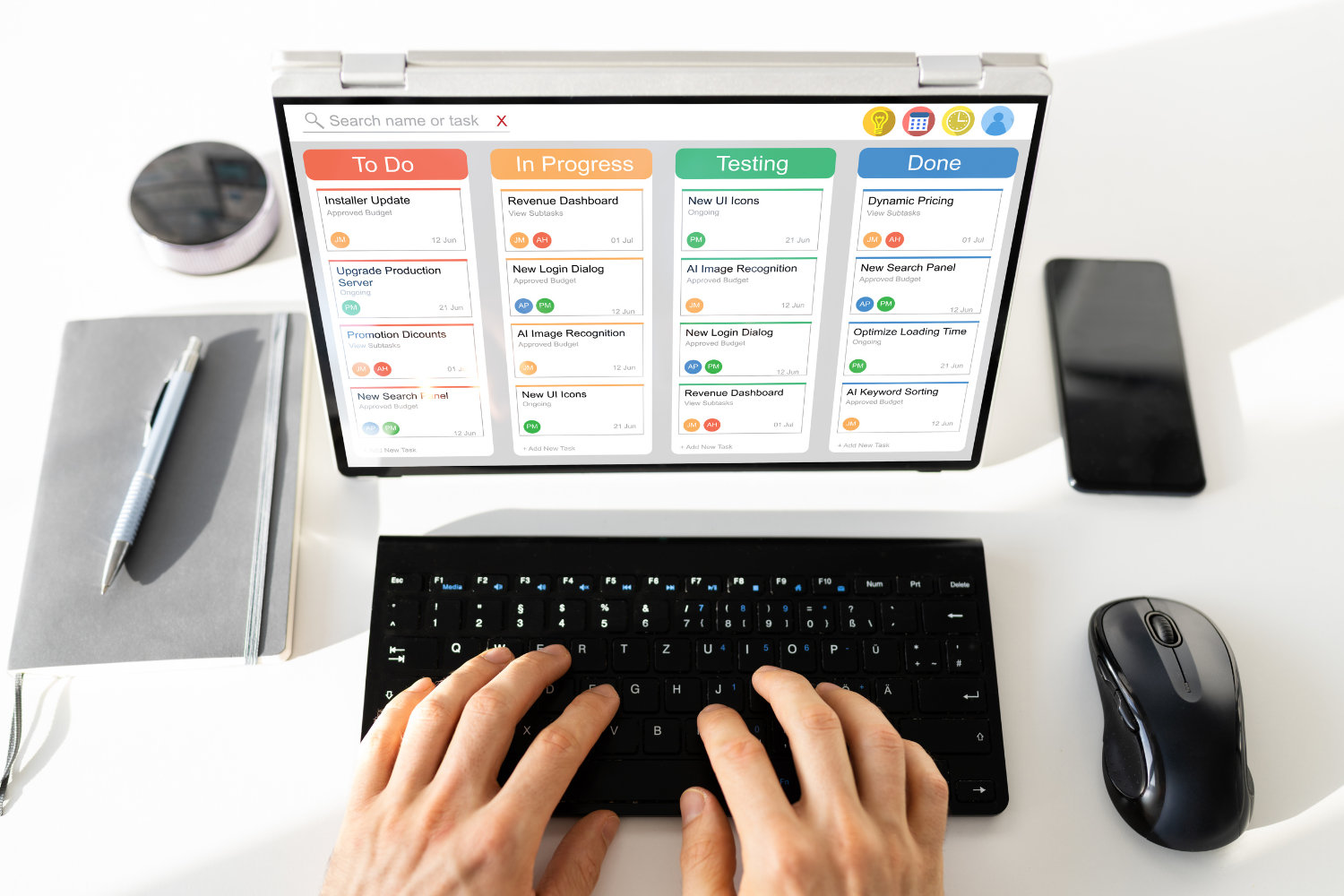
Trello is a project management tool with a user-friendly interface that helps offshore teams manage multiple projects using visual Kanban boards. Each task moves through columns like “To Do,” “In Progress,” and “Done,” making project tracking clear and simple.
Its collaboration features, like comments and file sharing, help distributed teams stay aligned. Trello is ideal for teams who want to manage projects at their own pace while keeping everyone updated on task progress.
ClickUp – Task tracking with flexible permissions
ClickUp gives offshore teams detailed task management and the freedom to work in different styles. Its customizable workflows and permission controls allow managers to assign tasks while letting team members update their own status.
With ClickUp, you can track tasks, manage multiple projects, and schedule meetings without checking in constantly. This setup supports seamless communication across time zones and enables teams to work with autonomy.
Asana – Clear delegation without micromanaging
Asana helps streamline workflows through clear task assignments, deadlines, and labels. It’s built to simplify project management for remote teams by focusing on results, not constant supervision. Managers can delegate tasks, set priorities, and monitor progress while allowing team members to work independently. Asana supports team productivity by helping remote team members understand expectations and stay on track.
Time Doctor (with caution) – Time tracking with soft monitoring
Time Doctor is a time-tracking tool used in many offshore operations, but it works best when paired with trust-based management. It tracks work hours and app usage, but teams should focus on using it to spot trends and improve time use—not to monitor every move. Used with care, it can provide useful productivity insights when paired with clear policies and team buy-in.
Notion – Project updates through async dashboards
Notion allows offshore teams to create dashboards, SOPs, and update logs that support asynchronous work. With tools for tracking progress, sharing knowledge, and organizing workflows, it fits the needs of global teams working across time zones. Notion supports smooth collaboration by letting team members update their own status, track tasks, and document work without needing constant check-ins or video calls.
How to Use These Tools Without Micromanaging
Even the best tools can become controlling if used the wrong way. These strategies help you use communication and collaboration tools to support—not stifle—your offshore team.
Let the team self-report task updates
Encourage team members to track tasks and update their own progress. This builds trust and keeps performance transparent without extra pressure. Tools like ClickUp, Trello, and Asana make it easy for offshore teams to log their own progress, flag blockers, and shift timelines when needed. Letting team members take the lead on their updates keeps them engaged and responsible for their work.
Use dashboards instead of constant check-ins
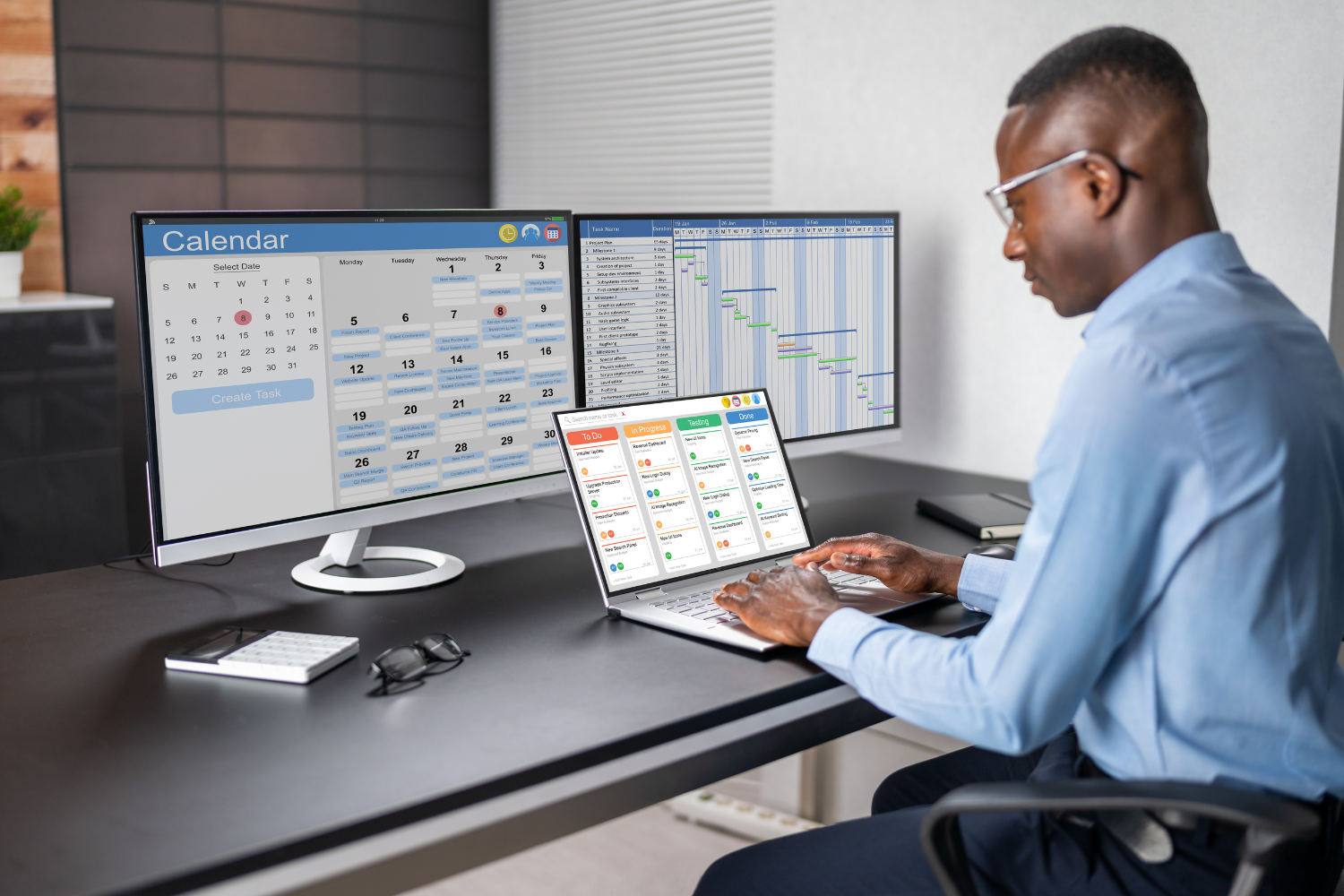
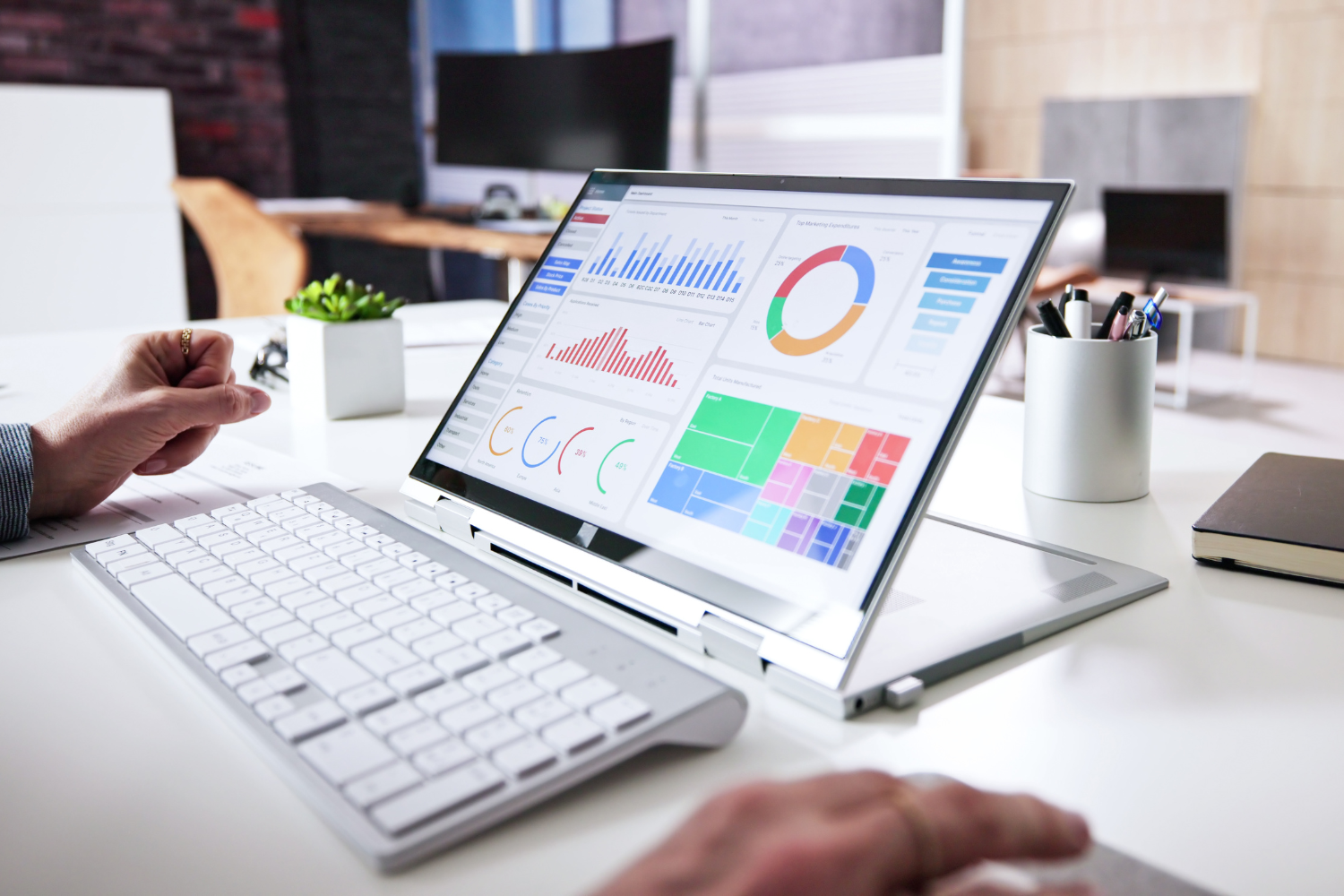
Dashboards show project progress without the need for frequent messages or video conferencing. Instead of asking for updates every few hours, you can monitor progress through visual boards, timelines, or team reports. This keeps the team focused while still enabling leaders to manage projects and oversee multiple projects at once.
Automate progress summaries for team leads
Use software features to send out automatic daily or weekly summaries. These help team leads monitor progress, track performance metrics, and review outcomes without digging through multiple tools. Integrating platforms like Notion, Google Workspace, or ClickUp supports seamless communication and helps team leads make decisions faster.
Focus on outcomes, not hours watched
In many cases, remote team performance is better evaluated through outcomes than tracked hours. Tracking work hours is helpful for billing or time zone coordination, but productive offshore teams should be judged based on outcomes. Look at completed tasks, quality of work, and progress tracking to measure real value. This approach avoids surveillance and builds a results-based culture.

Building a Culture of Accountability Without Surveillance
Offshore operations thrive when accountability is built on trust, not control. These methods help your team take ownership while keeping workflows strong and respectful.
Use scorecards and KPIs as coaching tools
Scorecards and performance metrics should support growth, not punishment. Use them to spot gaps, offer feedback, and guide professional development. Tools that track team productivity and task completion help managers coach team members toward improvement instead of using metrics to apply pressure.
Empower team members to own their metrics
Let your offshore teams track their own performance and share updates during virtual meetings. When team members feel responsible for their own outcomes, they engage more deeply. Giving them access to their task assignments and dashboards encourages them to reflect, adjust, and improve.
Recognize consistent performers with praise, not pressure
Recognition builds motivation, especially in larger teams where effort can go unnoticed. Celebrate wins through virtual team-building activities, direct messaging shoutouts, or spotlight features in your communication tools. Positive reinforcement keeps team members connected and motivated while avoiding stress caused by constant oversight.
Choose Tools That Empower, Not Control
Offshore productivity tools should make it easier to manage projects, track progress, and support accountability—without creating pressure. Tools with communication and collaboration features, project tracking, and flexible task management give offshore teams the freedom to work independently while staying aligned.
Platforms with automatic time tracking, advanced reporting, and seamless communication help global teams manage multiple projects and ensure data security. The best tools focus on outcomes, promote real-time communication, and support productive offshore teams with a balance of structure and trust.
Frequently Asked Questions
What’s the best offshore work tracking tool for Filipino teams?
Trello, ClickUp, and Asana are top choices because they offer simple interfaces, strong collaboration tools, and work well with limited internet.
How do I track productivity without micromanaging?
Use dashboards, task updates, and performance metrics that show project progress without constant check-ins.
Are time trackers too invasive for offshore teams?
Some companies use time trackers to gain insights into work patterns, though it’s important to apply them thoughtfully and transparently.
Which tools work best for low-bandwidth areas in the Philippines?
Google Workspace and Notion offer offline modes for continued access to files and notes, while Microsoft Teams offers limited offline features.
How do I know if my team is underperforming without spying on them?
Look at missed deadlines, incomplete task assignments, or low engagement in collaboration tools instead of watching hours worked.
References
- Berg J. (n.d.). Digital labour platforms and the future of work. https://www.ilo.org/sites/default/files/wcmsp5/groups/public/@dgreports/@dcomm/@publ/documents/publication/wcms_645337.pdf
- Department of Information and Communications Technology (DICT). (2017). National Broadband Plan. https://dict.gov.ph/national-broadband-plan
- U.S. Office of Personnel Management. (n.d.). Performance Management. https://www.opm.gov/policy-data-oversight/performance-management/